Meet with Wordly at Imex - Schedule a Meeting
Capture & Translate Session Transcripts
Capture every word and key highlight from your meetings in all formats. Get full transcripts you can translate into dozens of languages. Turn lengthy discussions into concise summaries for actionable insights.
.avif)
.avif)
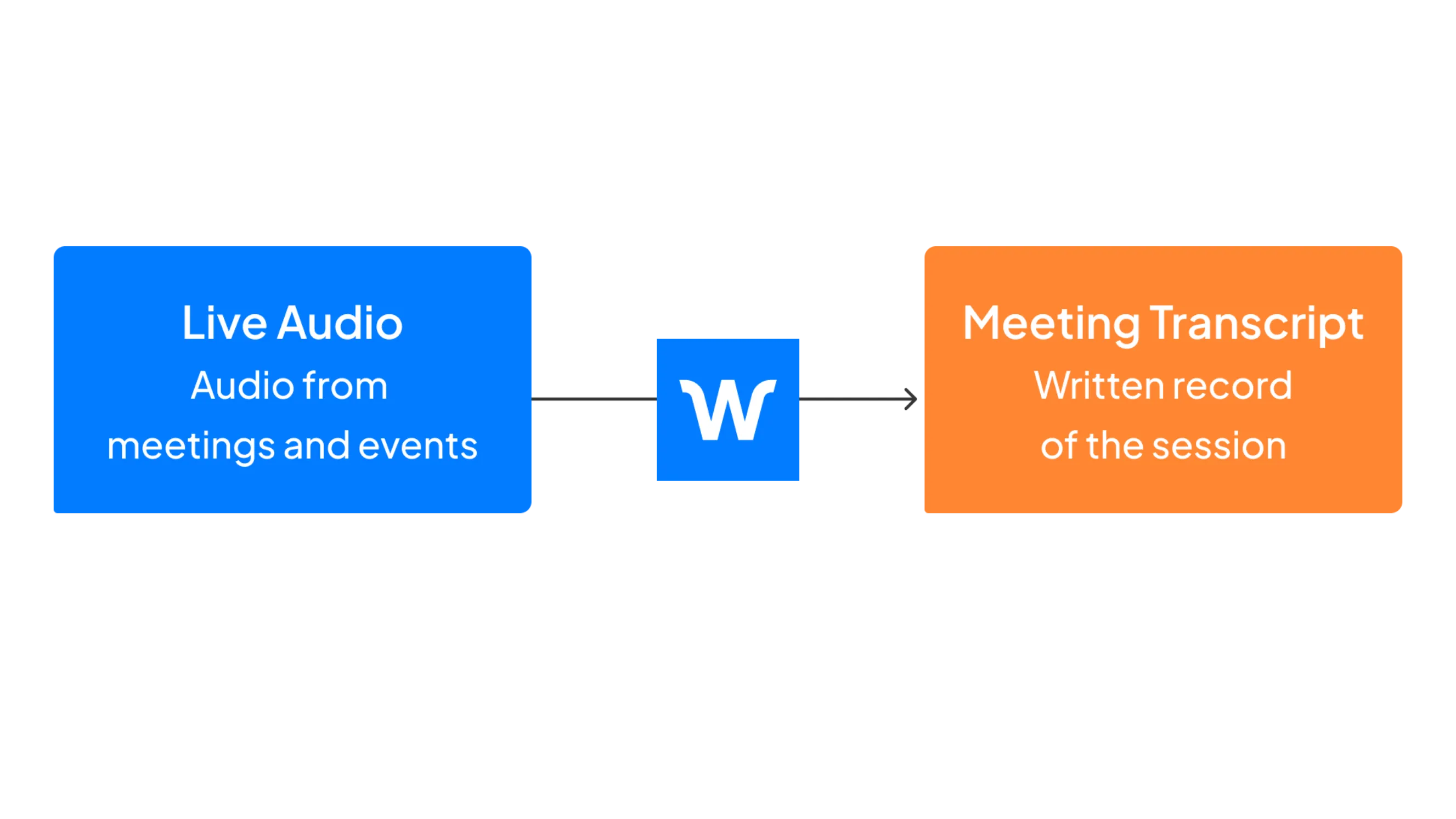
AI transcription provides a written record of the conversations during meetings and events. This creates a valuable resource you can share with attendees after an event or use to meet internal and external compliance requirements.
Wordly provides access to a complete transcript file as a standard feature in the Wordly Translation Platform for no additional cost.
With the click of a button users can create a translated transcript from any meeting/session that used Wordly. You can get AI transcripts in the language of the original presenter as well as have it translated into dozens of other languages including Spanish, French, Japanese, and Hindi.
The meeting organizer has control over the AI transcription feature and decides who can get access to it.
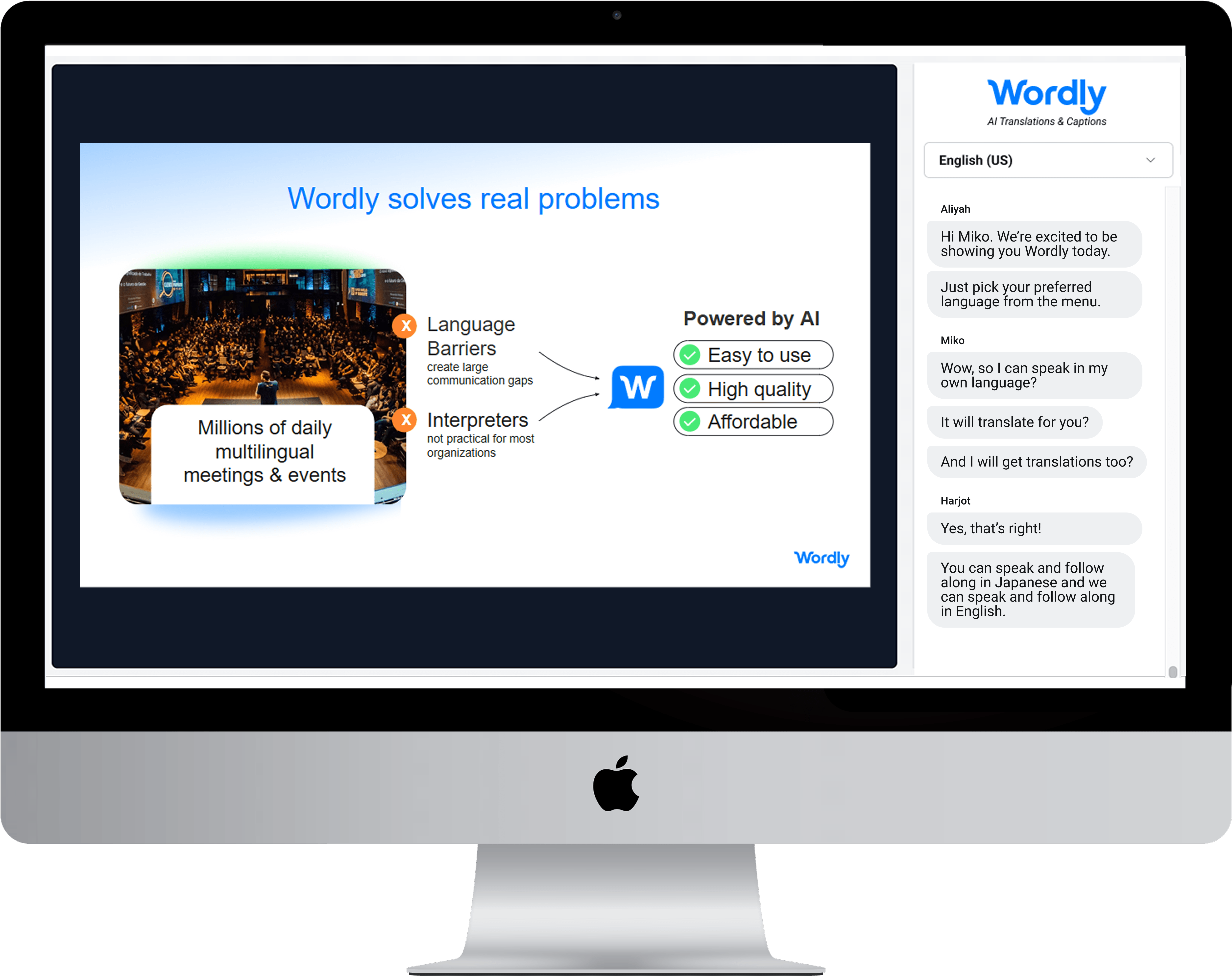
Wordly provides real-time audio translation into dozens of languages through a SaaS based AI-powered platform which eliminates the need for human interpreters. The output is a high-quality translation available in both audio and text format.
Presenters speak in their preferred language and participants can follow along using their computer, tablet, or smartphone - in-person or remote.
Wordly AI transcription works with a wide range of conference platforms and video conferencing tools including Zoom and Teams.
In addition to AI transcription, Wordly offers other powerful features including transcript translation, customizable glossaries, and video captioning.
For a full list of interpretation and translation features see the live translation platform page.
Our AI Summarizer turns meeting transcripts into concise, actionable insights. Summaries make it easier for meeting organizers to review what was discussed, share key takeaways with attendees post-event, and drive better decision-making.
With the click of a button, Wordly administrators can create translated summaries from any meeting or session that uses Wordly. Instantly capture speaker insights and key discussions for post-event content creation and detailed reporting. Maximize your event's intellectual property without the manual grind.
Summaries are available in the language of the original presenter and can be translated into dozens of other languages. If you’re trying to localize content, this is the scalable solution for you, as mass exporting transcripts and summaries is nearly instant.
Wordly provides AI-generated summaries as a Pro+ feature.

Wordly provides automated AI transcription translation.
Industry conferences
Company meetings
Customer webinars
Staff training
On-demand videos

.webp)
Trusted by thousands of organizations worldwide





“Easy for our AV technicians to implement and easy to explain to delegates how to use. It was problem-free from day one to the last day. Wordly enabled us to market to a French audience, increasing our registrations, and solving accessibility.”

“Wordly is easy to use. Our staff did not need to spend a great deal of time setting it up. It was as close to plug and play as possible. The attendees were able to access the translation with minimal instructions.”
“It’s remarkably accurate, easy to deploy, and versatile. We can use it across small meetings or large events, and the experience for families is seamless. If your organization values inclusivity, Wordly is a game-changer.”
.avif)
What is AI Transcription?
AI transcription is the process of converting spoken words form an audio or video recording into written or typed text. The goal of AI transcription is to capture the spoken content in a written form, making it easier to read, search, and analyze. Audio transcription can be done by human transcribers or through AI speech recognition technology.
There are several benefits to AI transcription, including:
More Resources - For additional AI translation and captioning resources, visit All Resources.
Wordly offers a range of features enabling you to deliver live translation for all of your events.
One key feature is:
On-Demand, 24/7 Access
Since Wordly does not rely on human interpreters, it is always available. Setting up a new event and inviting participants only takes a few minutes.
See all of the Live Translation features.
Wordly provides a wide range of personalized and online assistance to get you up and running quickly.
One frequent question is:
Can Wordly understand different speaker accents?
Wordly understands different speaker accents. Our datasets are trained using speakers from different countries that commonly speak the selected language.
See more questions.
Customers love Wordly for our fast set up, ease of use, extensive features, and affordable pricing.
One happy customer said:
“It was easy for our members to access the live stream of our conference in over 60 languages. We were also able to record the presentations in multiple languages using multiple computers with many windows open for enduring viewing on YouTube.”
See what Customers are saying.
AI transcription converts spoken words from meetings or events into accurate written text using advanced speech recognition technology. Wordly provides real-time AI transcription as part of its AI Translation Platform, enabling organizers to generate complete transcripts for meetings and events at no extra cost. These transcripts can also be translated into dozens of languages instantly.
Wordly AI transcription is designed for high accuracy, even in fast-paced or multi-speaker environments. It leverages advanced AI language models and customizable glossaries to recognize industry-specific terms. The result is a reliable, high-quality transcript that can be shared with attendees or used for compliance and reporting.
Yes, Wordly lets you translate AI transcripts into dozens of languages. With a single click, organizers can create translated transcripts or summaries that help reach global audiences and ensure accessibility for all attendees.
AI transcription improves meeting documentation, saves time on note-taking, and makes content searchable and shareable. With Wordly, you can generate transcripts and summaries instantly, translate them into multiple languages, and use them for compliance, accessibility, or post-event content creation.
Yes, Wordly AI transcription integrates seamlessly with popular video conferencing tools like Zoom and Microsoft Teams, as well as live event platforms. Whether your meeting is virtual, hybrid, or in-person, Wordly captures every word and provides transcripts and translations in real time.
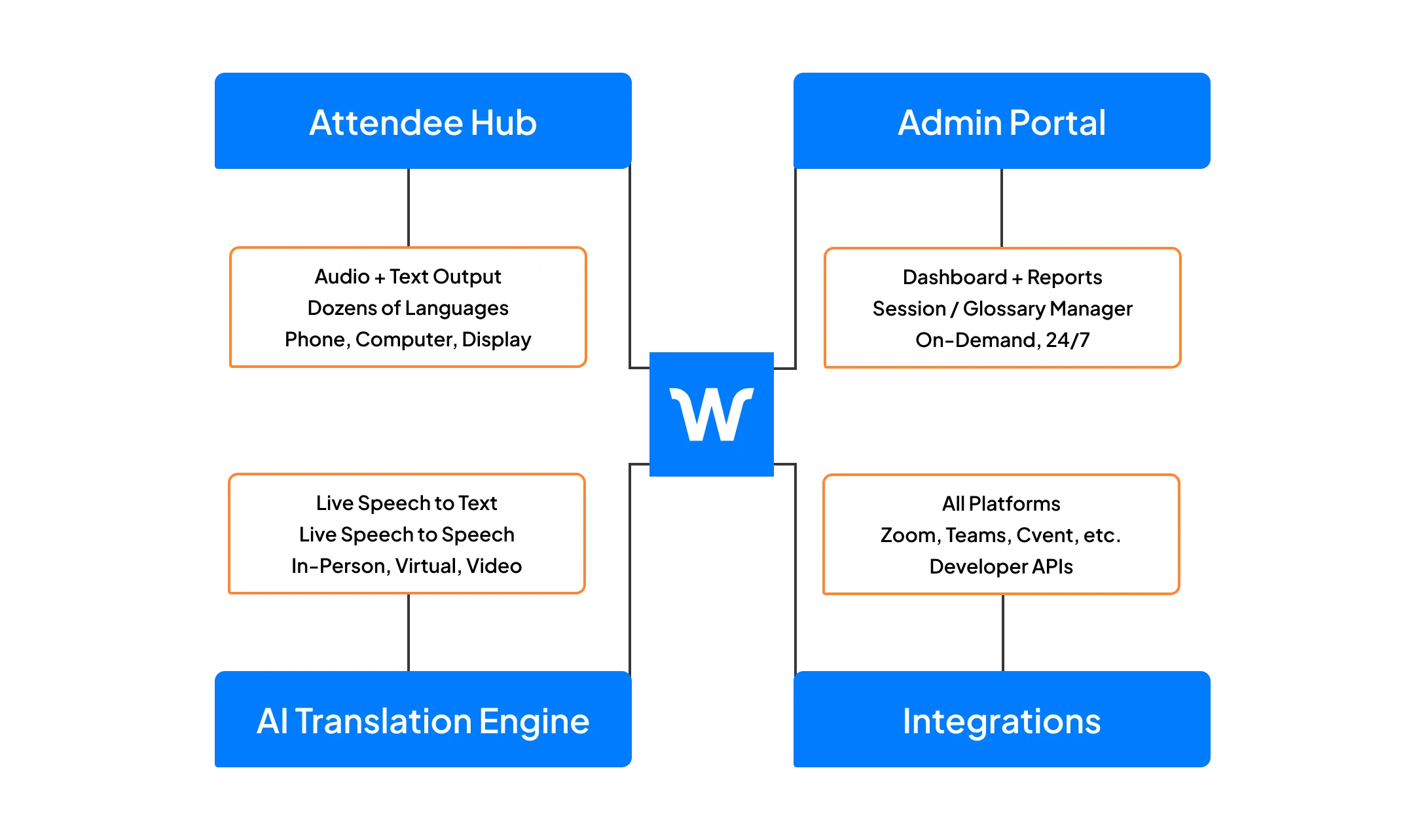
AI Transcription is part of the Wordly Platform which includes live translation and captions, along with post-event text transcripts, voice transcripts, and summaries. Use the text transcript files to create captions and subtitles for videos - and the voice transcript files to dub videos. Use the summaries for post-event content sharing and marketing programs. The Wordly Platform provides a comprehensive all-in-one AI-powered solution to meet language access needs across your organization.
.png)
.png)
%20(1)%201.webp)
.png)
.webp)
.avif)
