Wordly Translation App
Real-time translation in every pocket. Give attendees instant access to live audio and captions in their preferred language directly from their own mobile device.
.avif)
.avif)
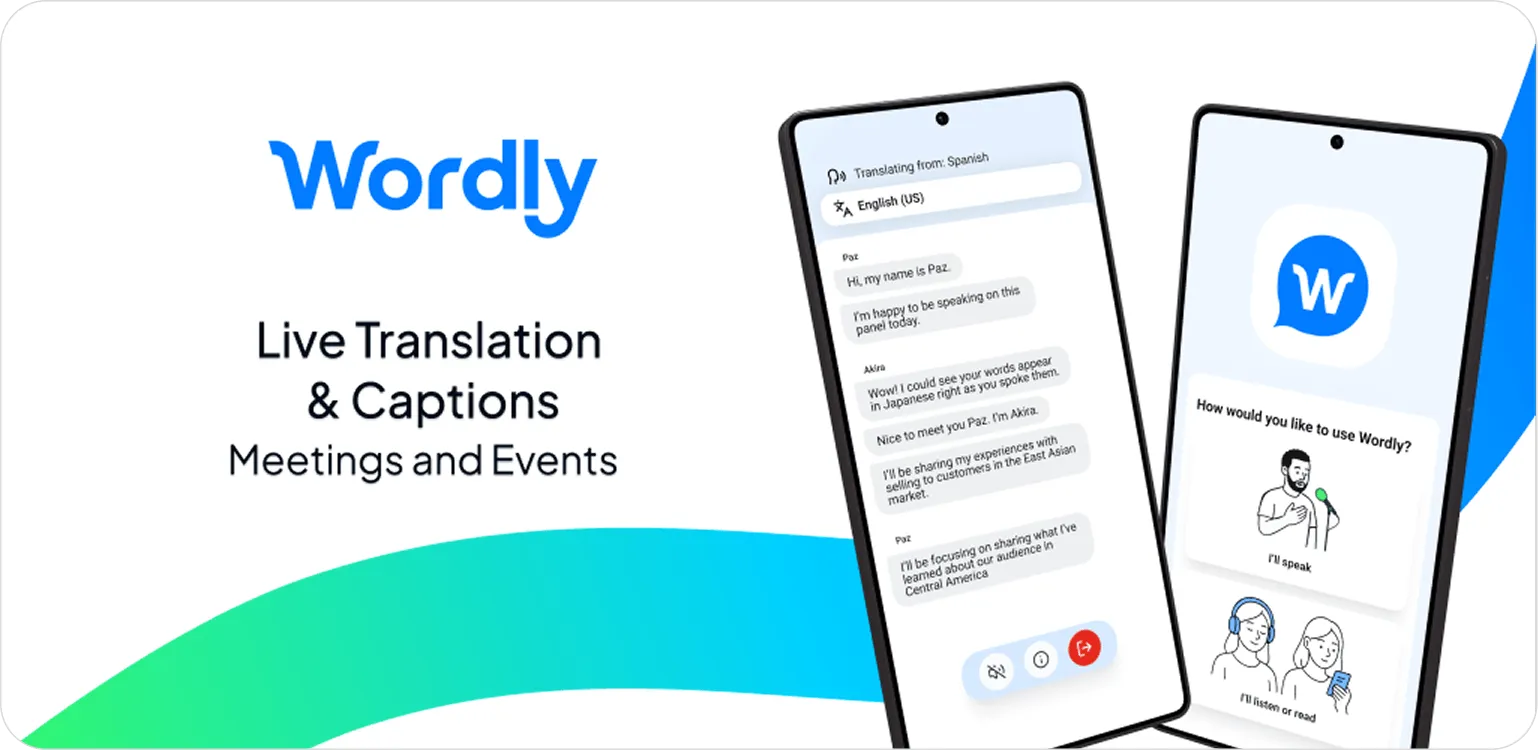
Built for meetings in motion — live, multilingual, and accessible.
The Wordly Translation App is a powerful mobile extension of our simultaneous interpretation platform. It provides a seamless, accessible way to join live events, offering high-quality live captioning and translated audio that stays active even when you multitask or lock your screen.


While participants can always join via a web browser, the Wordly app is built for the mobility of modern meetings and events. And with a tap of a link or a quick QR scan, you're in the session before you've even found a seat.
It functions as a comprehensive translation software solution in your pocket, offering several advantages for attendees and presenters:
Attendees Join in a Snap
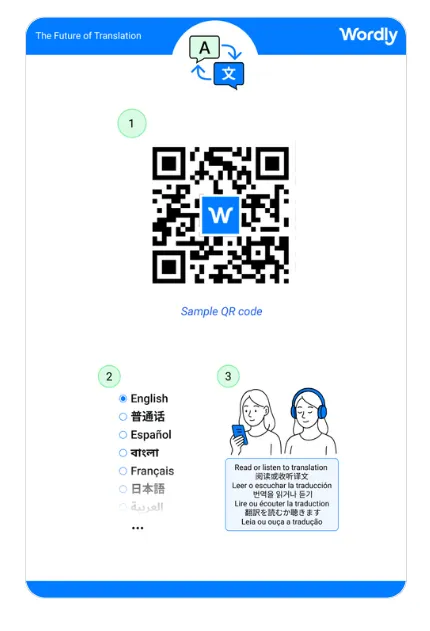
No credentials to hunt for, no steps to fumble through. Tap a shared link or scan a QR code and you're directly in the mobile app. Make it easy for every attendee to access live translation and captions the moment they walk through the door.
Push-to-Talk for Presenters
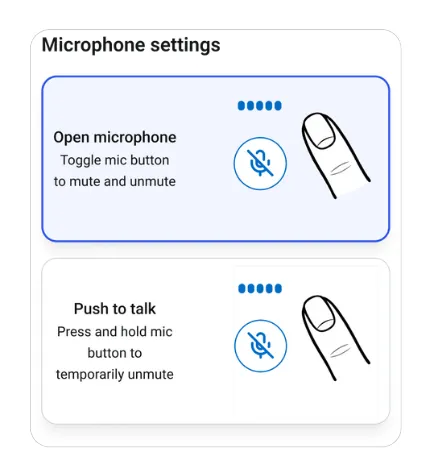
Presenters can easily join sessions and access push-to-talk functionality directly from their mobile device. Speak in your native language and let Wordly handle the translation, supporting effortless multilingual delivery wherever you are.
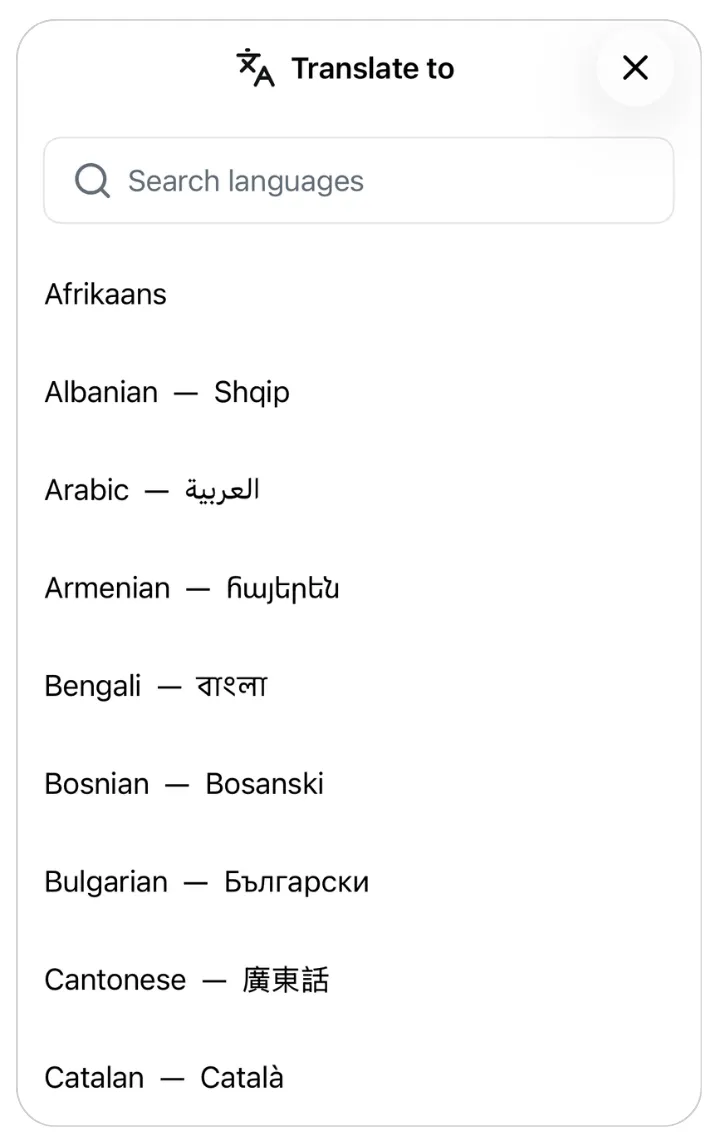
Find Your Language Instantly
Finding your preferred language is easier than ever. Use our new search bar to easily locate our dozens of languages. No more scrolling, just type your language and start listening or speaking instantly.
Background Audio That Keeps Going
The Wordly app continues delivering translated audio even when you switch to another app or lock your screen. Check your notes, respond to messages, or save battery, without missing a word of the session.
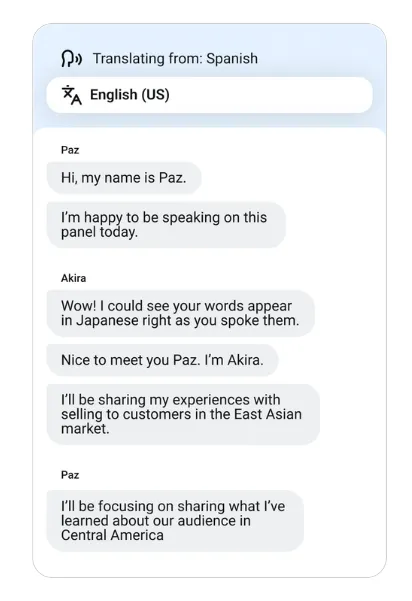
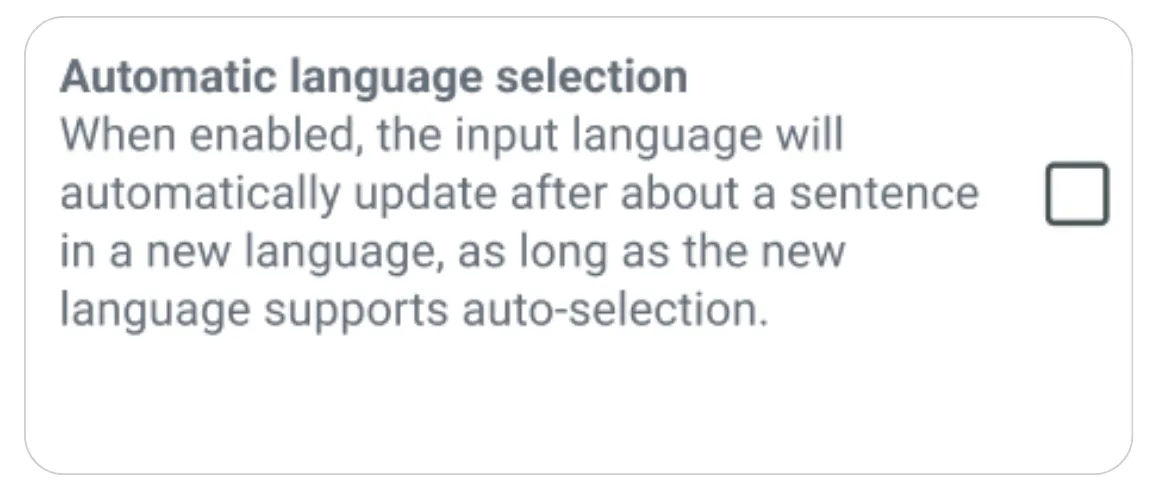
Automatic Language Selection
Wordly automatically detects the speaker language in real time, and switches the input language when participants start speaking in a different language, making it easy to host multi-language meetings and events.
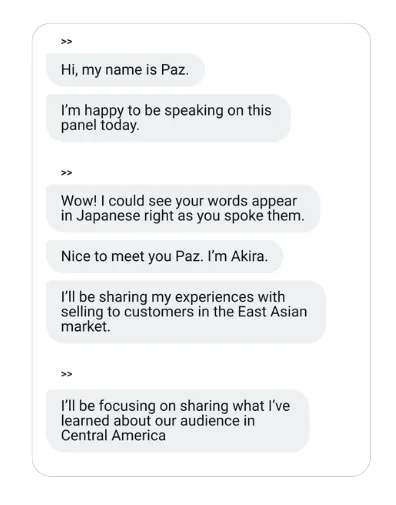
Speaker Disambiguation
When speakers change, the app signals the shift. So whether you're reading captions or listening to translated audio, you always know where you are in the conversation. No rewinding, no confusion, just a clear thread from start to finish.
Before, during, and after. Wordly has you covered.
Mark the moments that matter. Presenters can now split transcripts live during back-to-back sessions so every meeting transcript and summary come out as individual assets. Every session automatically generates accurate captions, transcripts, and summaries in dozens of languages, ready to repurpose for whatever comes next.
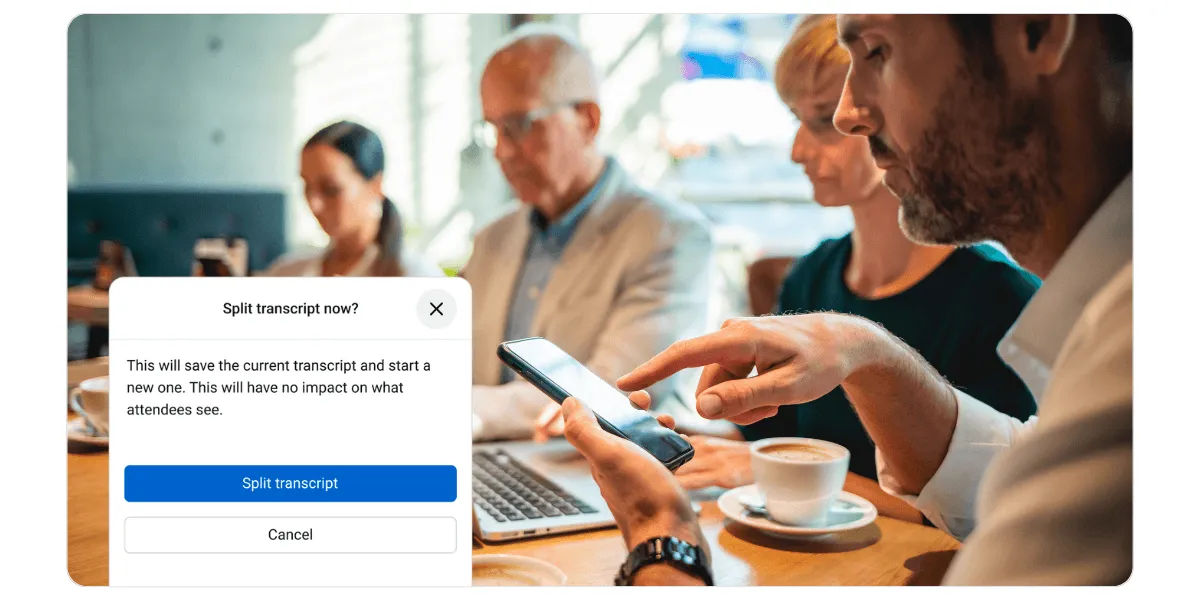
Those content assets keep working long after the meeting ends. Teams can quickly review what was discussed, share key takeaways, and bring anyone who missed the session up to speed without digging through hours of recordings. You can also easily create caption subtitle files and dub videos.
Whether it's language, hearing ability, learning preferences, or a scheduling conflict that keeps someone out of the room, Wordly makes every conversation easier to follow in the moment and easier to revisit afterward. With Wordly, nobody misses a word.
How to Use Wordly Translation App
Using the Translation App is easy and affordable.
- Download the app from Google Play or App Store.
- For Attendees: Enter the session credentials provided at your event, and select your preferred language to listen to translated audio, read live captions, or both.
- For Presenters: Join sessions with the same credentials and secure password. Push-to-talk tools are built right in.
Every session also generates text transcripts and AI summaries in dozens of languages. Great for simplifying post-event tasks like adding subtitles to videos or sharing key takeaways from meetings.
Use Cases by Industry
Corporate Translation
Boost global alignment by allowing your workforce to stay productive. Employees can listen to live translation in their native language while simultaneously taking notes or responding to urgent messages on mobile.
Education Translation
Bridge the communication gap between faculty and families. The app’s mobility makes it perfect for 1:1 parent-teacher conferences, campus tours, and student counseling.
Government Translation
Democratize civic access with a stable, reliable simultaneous interpretation platform. Ensure every citizen can participate in town halls or public hearings from their own device, meeting strict accessibility standards with ease.
Church Translation
Create an inclusive worship experience. Congregants can use the Wordly app to hear the sermon in their preferred language while using their device for scripture reading or digital tithing.
Questions About the Wordly Translation App
Do I need an account to use the Wordly Translation App?
No. Attendees do not need to create an account or provide personal information to use the app. Simply download the app on iOS or Android and enter the session credentials provided by your event organizer to access language interpretation instantly. However, in order to use the Wordly Mobile Translation App, the meeting organizer / host needs to purchase a Wordly account.
What are the benefits of using the mobile app over a web browser?
The Wordly App offers mobile flexibility. The mobile app allows for "background play," meaning you can continue listening to translated audio even if you switch to another app (like taking notes or checking email) or lock your mobile screen.
Is the Wordly Translation App free to download?
Yes. The app is free for all meeting attendees and is included as part of the translation software suite for Wordly customers.
Does the translation app work for both presenters and attendees?
Yes. The app is a versatile tool for both. Attendees use it to listen and read along in their preferred language, while presenters can use mobile-specific features like Push-to-Talk to deliver their message to the simultaneous interpretation platform from anywhere.
.png)
.png)
%20(1)%201.webp)
Ready to learn more about Wordly?
.png)
.avif)
