Turn translation & captions into revenue with Sponsor Logos → Learn More
Offer floor audio without equipment rental with Silent Theater → Learn More
Live AI Translation, Captions, Summaries, & Transcripts
Wordly makes it easy and affordable to unlock the full potential of your global team with real-time meeting translation and captions. Wordly lets everyone participate in the language of their choice.
.avif)
.avif)
Meetings are an important activity for every company and organization. As companies become more global, there is a growing challenge where the speakers and participants often don’t speak the same language. The traditional solution is to hire a meeting interpreter, but this is too expensive and time-consuming for most meetings. Wordly solves this problem with our AI-powered interpretation platform which provides real-time simultaneous meeting interpretation without the need for human interpreters with the click of a button - enabling you to make all of your meetings more inclusive.
Staff meetings
Board meetings
Employee reviews
Staff training
On-demand videos
.webp)

.webp)
Trusted by thousands of organizations worldwide





“Easy for our AV technicians to implement and easy to explain to delegates how to use. It was problem-free from day one to the last day. Wordly enabled us to market to a French audience, increasing our registrations, and solving accessibility.”

“Wordly is easy to use. Our staff did not need to spend a great deal of time setting it up. It was as close to plug and play as possible. The attendees were able to access the translation with minimal instructions.”
“It’s remarkably accurate, easy to deploy, and versatile. We can use it across small meetings or large events, and the experience for families is seamless. If your organization values inclusivity, Wordly is a game-changer.”
.avif)
Maximize inclusivity, participation and meeting productivity. Help your team members understand quickly, effortlessly and fully. Invite your global teammates to offer their insights and contributions immediately, clearly, and easily. Automated transcripts enhance note taking and knowledge transfer, especially for visual learners.
Ready to visit overseas teammates again? Want automatic meeting note taking? Ensure expensive visits to field offices and headquarters provide maximum value. Conserve the mental stamina of multilingual teammates by allowing each to participate in their primary language. Easier understanding leads to better, faster decisions and greater team output.
Wordly integrates with popular meeting platforms and can compliment many more. Wordly is available 24x7 and sets up sessions in seconds.
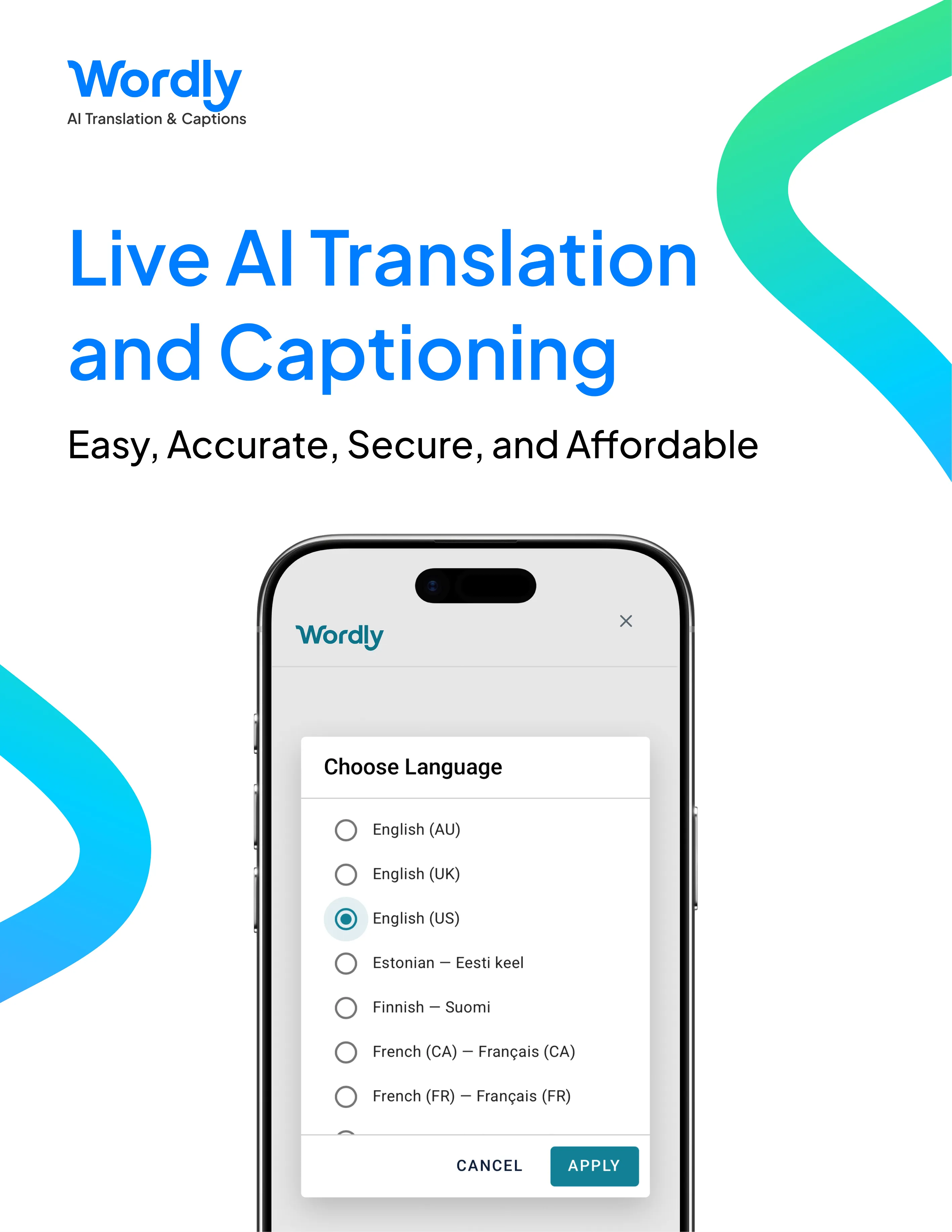
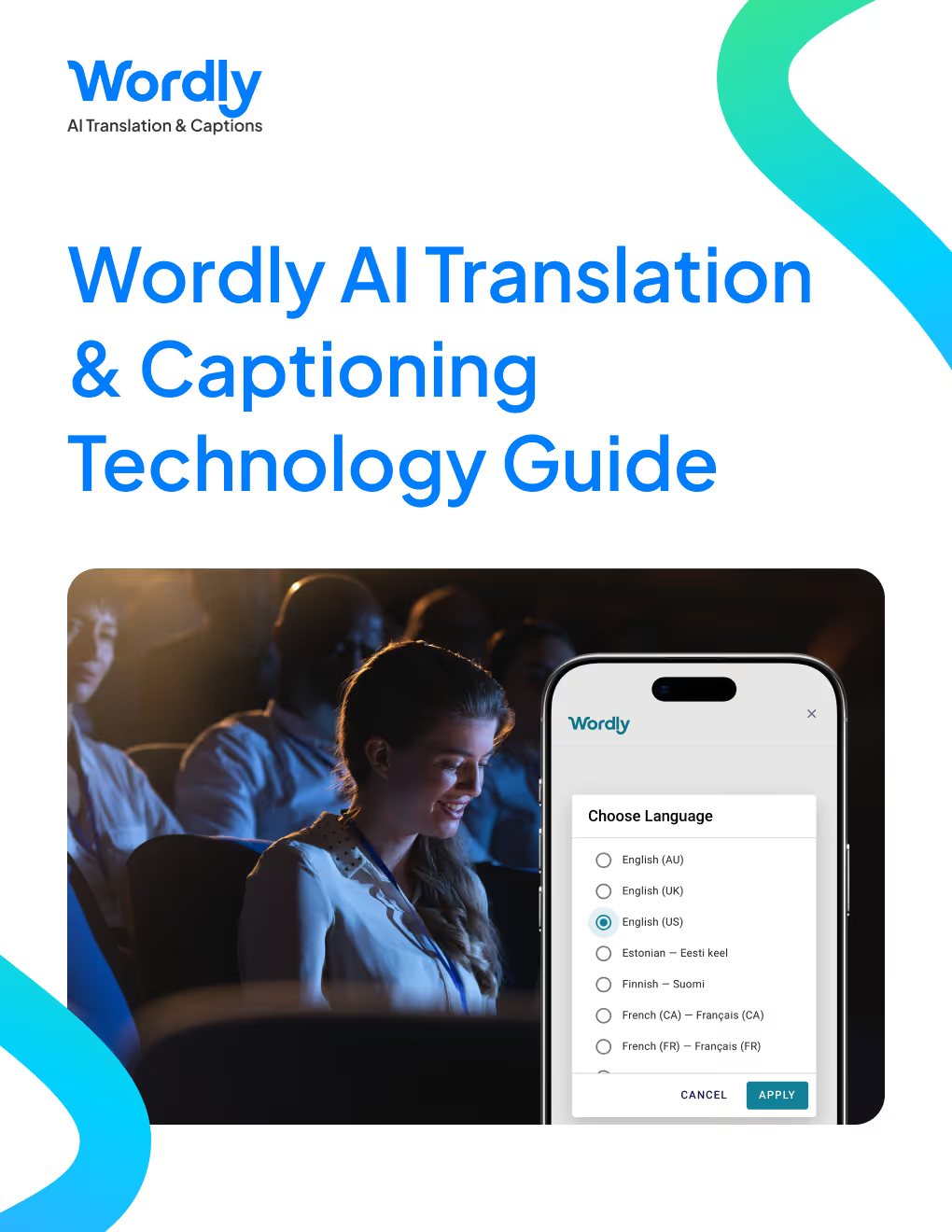
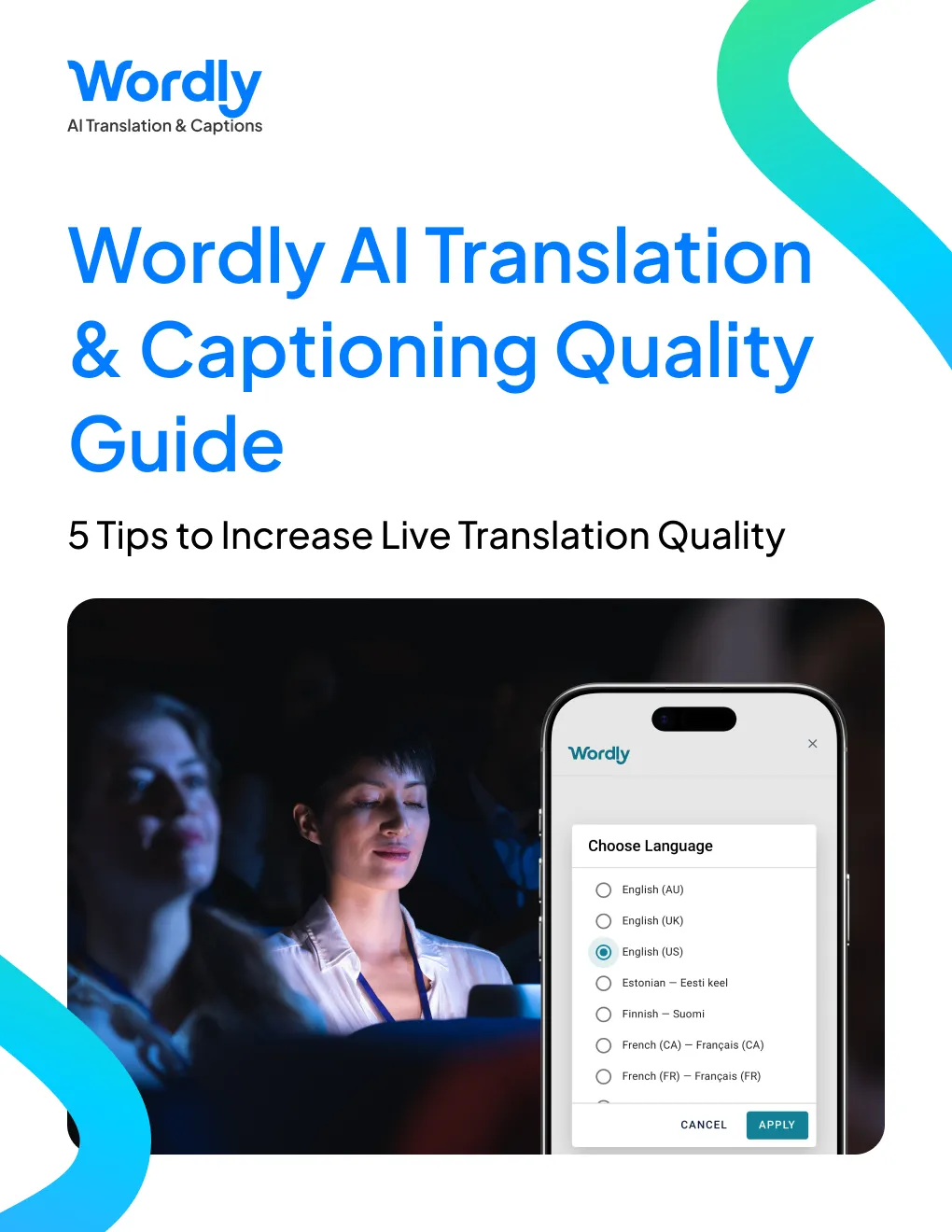
Wordly mobile apps enable each attendee to read along and listen along in their preferred language on their smartphone, tablet or laptop.
Wordly meeting interpretation is powered by a proven AI-based solution. The real-time simultaneous interpretation platform is cloud based and provides a faster, easier, more cost effective solution for meetings than legacy human interpretation services.
Wordly is used by hundreds of global companies and organizations and enables meeting participants to read along or listen to meeting presenters in their preferred language on their own computer or mobile device.
Wordly also supports multilingual conference translation. Increase attendance, engagement and inclusivity by allowing all conference participants to select their preferred language. Increase conference accessibility and satisfaction for employees, prospects and customers.
There are three primary options for addressing the language barrier at meetings and events.
1. Do Nothing
The most common solution is to do nothing. While this is the cheapest and least time consuming option in the short term, there are significant long term costs when attendees are unable to understand meetings and do not attend or fully engage.
2. Use Human Translators
Human translators have been used for years and are a common option for meetings and events around the world. Human interpretation is a good option for large, complex events which are planned months in advance and supported by large budgets and teams to coordinate all of the logistics. But the time and cost of offering human interpretation often makes this option not viable for most organizations.
3. Use Live AI Translation and Captioning
A fast-growing option is AI translation. These tech solutions are powered by Artificial Intelligence (AI) and hosted in a secure cloud infrastructure, removing the need for human interpreters and special equipment. AI translation is being implemented across a wide range of government meetings.
Step 1
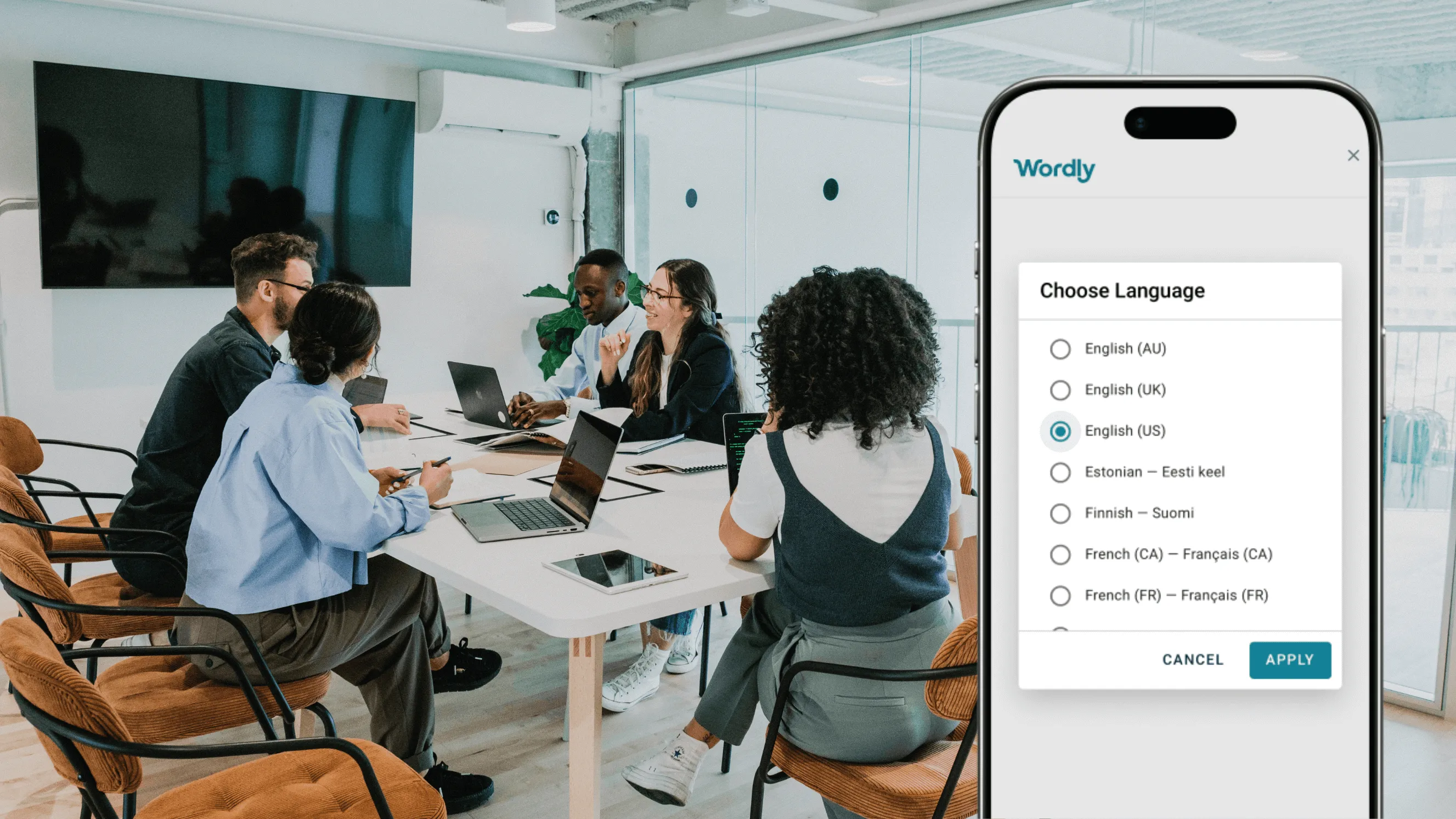
Create a session in the Wordly Portal and share QR code / link

Step 2
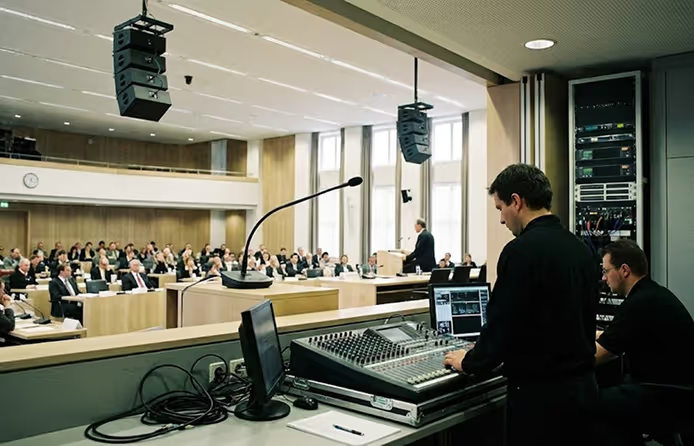
Connect Wordly to the AV sound mixer
Step 3
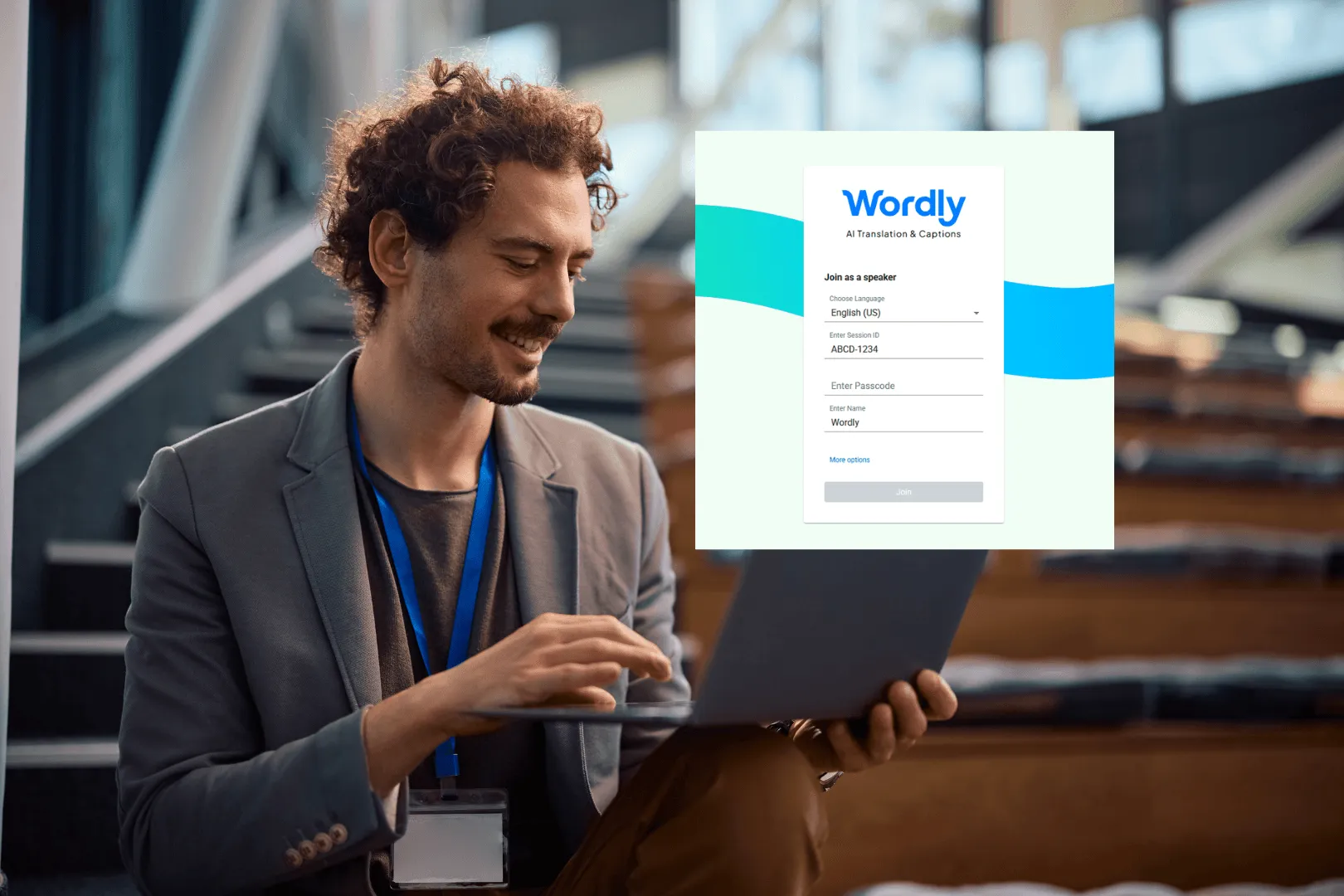
Connect to Wordly with the session speaker link
Step 4
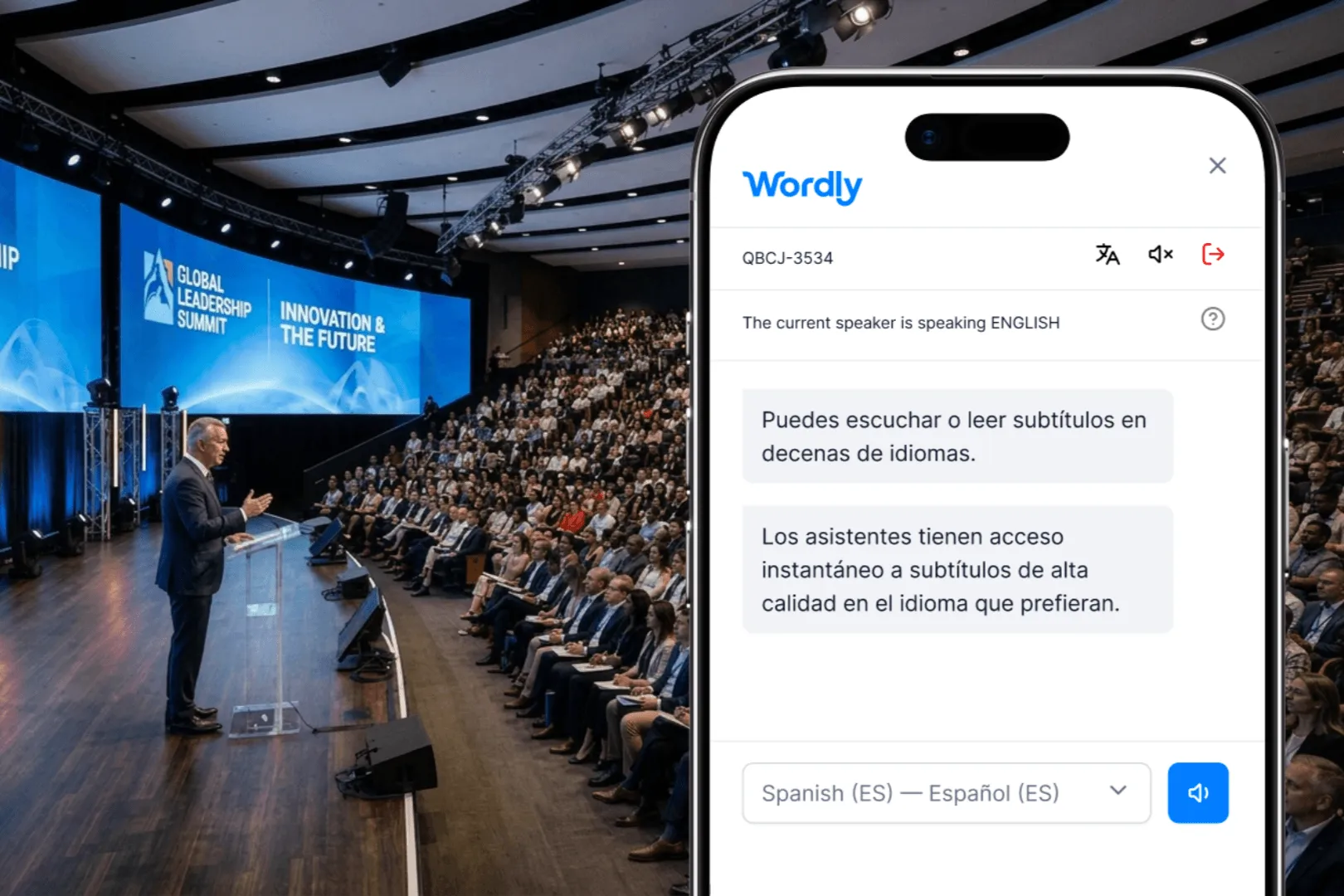
Everyone reads or listens live in their own language
.png)
Set up Wordly session in under 10 minutes
Step 1: Set up Session
Create a session in the Wordly portal and share the QR code or link with attendees. You can display it on slides and signage, or send it in emails, chat, and your event app so attendees can join easily.
Step 2: Connect AV System
Connect Wordly to the AV sound mixer. The mixer feeds audio to the laptop or tablet running Wordly, which helps ensure the AI receives high quality sound input.
Step 3: Start Wordly Session
Open the session speaker link on the connected device and start the session. Wordly begins transcribing and translating as soon as the presenter starts speaking.
Step 4: Follow Live
Everyone reads or listens live in their own language on their own phone or computer. Attendees in the room and remote attendees join the same way, through the Wordly app or any web browser. Wordly also works alongside Zoom, Teams, and other meeting platforms for virtual events, and captions can be displayed on screens around the room.
Wordly makes it easy to add live translation and captions to your meetings with a comprehensive solution that includes personalized support and training to get you up and running quickly.
Many organizations start with a Wordly Pro+ Package that includes 60 hours of live translation and captioning, which is enough to cover multiple meetings per month for one year. This can be used for staff meetings, employee training, customer events, and a wide range of other sessions. If you have more meetings per month, you can add additional hours to your package at any time. Since all Wordly languages are included for one fixed hourly price, you can easily manage your budget.
All Translation packages include:
You get live translation of your meetings into both audio and text output - attendees can choose whether they want to listen and / or read.
Each attendee can select their preferred language from dozens of options which come standard with every Wordly subscription. Since Wordly provides multi-directional translation, we can support thousands of language pairs (e.g., English to Spanish, Spanish to Vietnamese, French to Spanish, etc.). You can conduct meetings in English, Spanish, or dozens of other Wordly supported languages. See all language interpretation options.
You can offer Wordly both for in-person and virtual attendees via Zoom, Teams, or other video platforms. There is no additional charge for using multiple formats to support hybrid meetings.
You can create a customized glossary of names and other important terminology unique to your organization that you want to make sure are translated correctly.
Access complete transcripts and short summaries after every session. Translate into dozens of languages to support reporting requirements.
Since Wordly is powered by AI, there is no special equipment required.
We will assign a Customer Success team member to guide you through the onboarding process. This includes account setup, admin training, integration assistance, translation glossary creation, dress rehearsal tests, presenter coaching, and technical support.
Once you are onboarded, it will take less than 10 minutes to set up Wordly for your meetings.
Attendees can access Wordly in 2 easy steps. For in person events, they scan a QR code with their mobile phone, select their language, and then have instant access to live audio and caption output. For virtual events, they click a link on their computer, select their language, and then have instant access to live audio and text output.
You can also choose to have the captions displayed on monitors at your location so people can follow along without using their phones.
Pricing is based on the number of hours you purchase. and we offer volume discounts. You get audio and caption output for all Wordly languages, along with text transcripts, and summaries for one fixed price. Since Wordly is powered by AI, you do not need to hire individual interpreters for each language. You can save 50-90% versus the cost of using human translators.
More Resources - For additional AI translation and captioning resources for your in-person, virtual, and hybrid meetings, visit All Resources.
Wordly offers a wide range of features enabling you to deliver live translation for all of your meetings and events.
One key feature is:
Streamlined Scheduling
We do not rely on human interpreters so you don't need to schedule translators for your event.
See all Meeting Translation features.
Wordly provides a wide range of personalized and online assistance to get you up and running quickly.
One frequent question is:
Does Wordly handle multiple speakers in one session?
Yes you can have multiple speakers - and each speaker can talk in a different language.
See more questions here.
Customers love Wordly for our fast set up, ease of use, extensive features, and affordable pricing.
One happy customer said:
“Wordly has allowed our global stakeholders to attend meetings more regularly, as they do not have to wait for a transcript download to translate using other methods.”
See what Customers are saying.
.png)
.png)
%20(1)%201.webp)
.png)
.avif)
