Check out our product updates - What's New at Wordly
See how an international organization used Wordly to deliver live AI captions in dozens of languages, making their conference more inclusive and accessible for every attendee
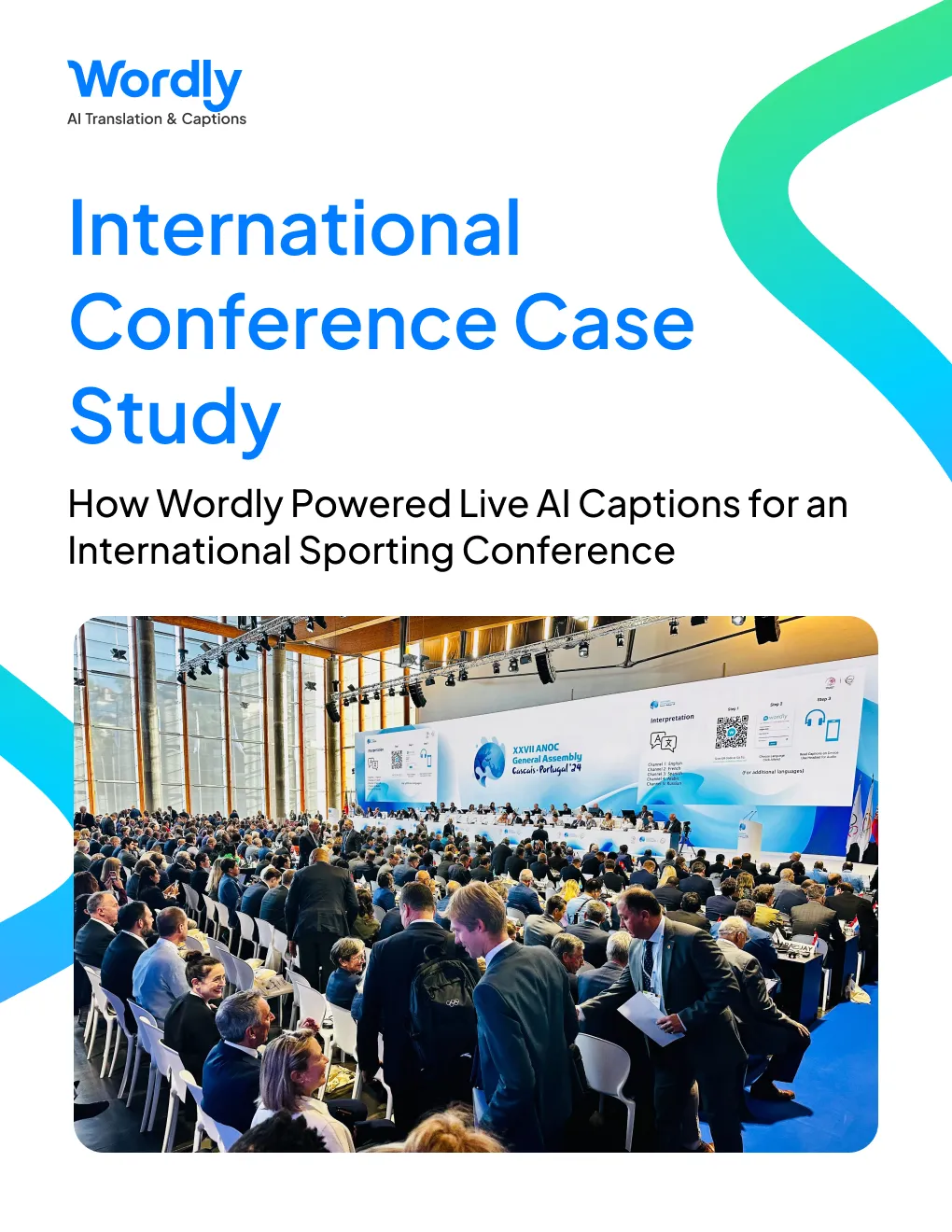
An international organization that hosts the largest annual global Olympic Movement gathering successfully integrated Wordly’s live translation services at their 2024 five-day event in Portugal.
The prestigious event brought together 850+ attendees from 195 countries, offering a platform to shape the future of sports and honor excellence in the Olympic Movement.
With a large portion of the audience speaking Portuguese, accessibility was a top priority.
Thanks to Wordly’s cutting-edge AI translation technology, language barriers were effectively eliminated, ensuring the conference was inclusive for all.
The seamless implementation of Wordly proved invaluable for an event of this magnitude, demonstrating the power of innovative technology in fostering global collaboration. Being an international organization, the client understood that language barriers are always a concern for attendees. With Wordly’s easy-to-use translation and captioning solution, they were able to get up and running quickly.
Wordly delivered real-time AI captions in dozens of languages at this conference, allowing participants from every region to follow discussions and engage fully without language barriers. Over five days, Wordly powered live captions for 16 sessions held across two main stages, serving more than 850 attendees representing 195 countries, where accessibility and inclusion were top priorities.
The seamless integration of Wordly's technology ensured that every session, whether focused on global policy, sports innovation, or the future of the Olympic Movement, was accessible to all attendees, fostering meaningful communication and connection throughout the event.
One standout Wordly feature used at the event was the customizable glossary, which allowed the team to add unique terms such as acronyms and presenter names. The customization ensured smoother and more accurate translations. For this event, 200+ terms were added to the glossary.
The 16 sessions were a mix of solo speaking sessions and panels. Wordly helped increase engagement and comprehension for all of the sessions.
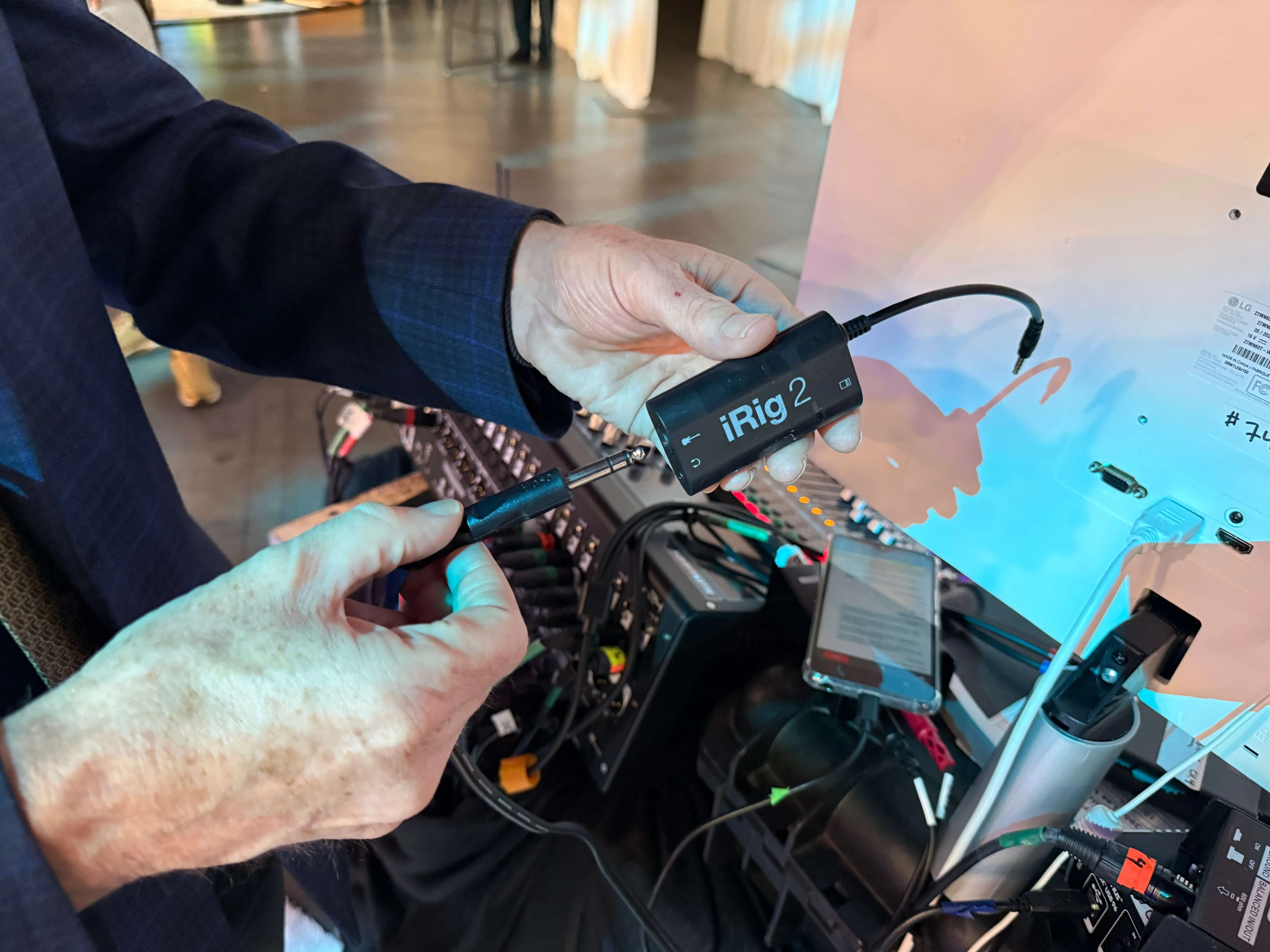
Setup is fast. At this conference, the teams completed a full setup and test the day before the event in under 15 minutes, then ran a quick 5-minute pre-session check on each event day to confirm everything was running smoothly. Wordly collaborated with the event AV partner to make sure pre-event setup and live execution were flawless. The AV team supplied essential equipment, including audio cables, tablets, and the sound AV mixer, while Wordly provided the audio conversion devices.
As for the technology setup, the iRig audio converters were connected to the audio mixer with a speaker cable. The audio converters were also connected to the tablets, which were used to connect to the Wordly system via Wi-Fi and send the audio feed to the Wordly cloud for real-time speech-to-text and text-to-speech conversion.
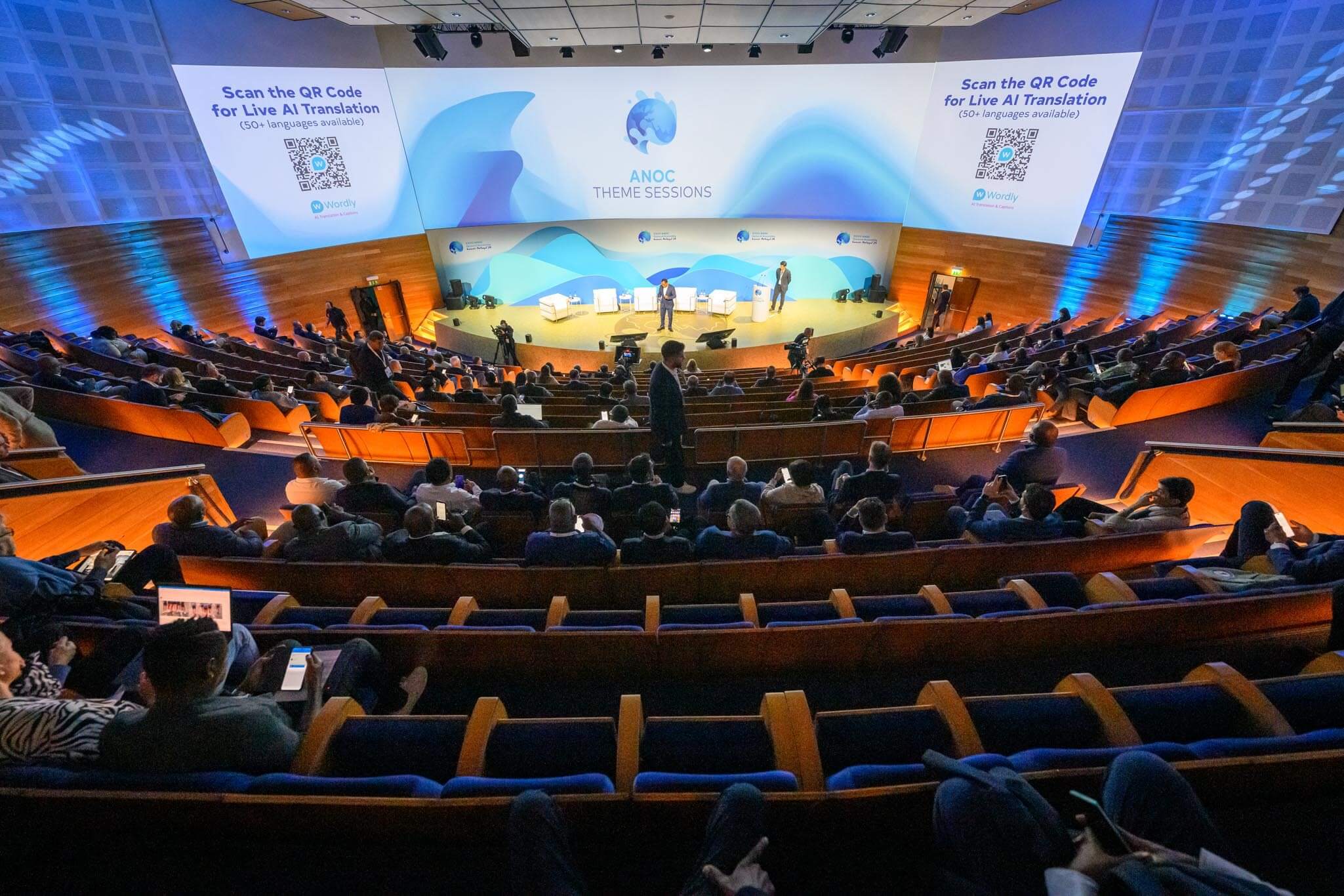
Attendees could easily access live captions on their phones or laptops, with Wordly ensuring a seamless process for both devices.
For phones: Attendees scanned a QR code provided by the presenter, selected their preferred language, and instantly joined the session and could read real-time text transcription in the language they selected. They could also listen to audio translation by plugging in their headphones and unmuting the Wordly app.
For laptops: Participants visited a URL provided by the event organizer, and then followed the same process as if they were on a mobile phone.
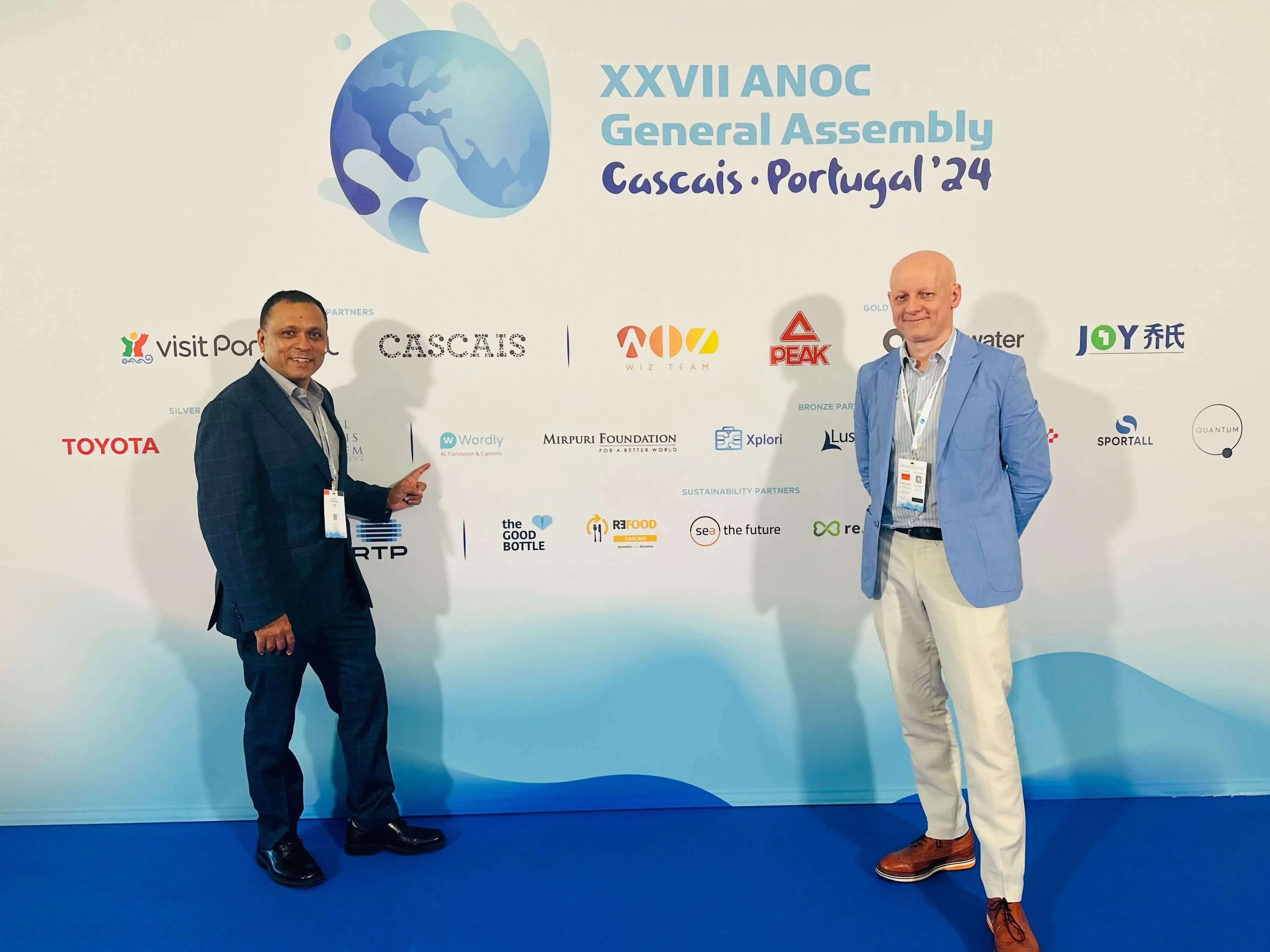
Wordly’s deployment at the international sporting association conference showcased the transformative power of live AI translation in elevating attendee experience and engagement.
By delivering real-time translation and captions, Wordly not only bridged language gaps for non-English speakers but also enhanced accessibility and understanding for all participants.
Seamless collaboration with the AV team ensured a smooth implementation across 16 sessions, catering to a diverse audience. Attendees accessed live translations in over 30 different languages, choosing their preferred format – reading captions on their devices or listening to audio translations – making the experience customized to their individual needs.
Wordly is the pioneer and leader in live interpretation, providing a high-quality, secure, easy-to-use, and affordable live AI translation and caption solution for communicating across multiple languages. Wordly translates dozens of languages in real time, making in-person and virtual meetings and events more inclusive, accessible, and engaging.
Its SaaS platform meets enterprise-grade security and privacy standards and eliminates the need for human interpreters or special equipment. Millions of users across thousands of organizations rely on Wordly to make their events and meetings accessible to everyone.
See it in action – book a personalized demo.
An international organization that hosts the largest global Olympic Movement gathering welcomed 850+ attendees from 195 countries for a five-day event focused on the future of sports. Learn how they used Wordly to deliver live AI captions in 30+ languages across 16 sessions, making the conference more inclusive and accessible for every participant.
Download Case Study.avif)
.png)