Meet with Wordly at Imex - Schedule a Meeting
See how a Fortune 100 company used Wordly to deliver live AI captions, real-time transcripts, and session summaries for thousands of attendees.
Events are using AI translation and captioning to let attendees follow sessions in their own language in real time, usually on their own phones, without interpreters, headsets, or booths. Common uses include translating keynotes, breakout sessions, panels, and workshops for international audiences, adding live captions for accessibility and for attendees who are deaf or hard of hearing, and generating transcripts and session summaries attendees can use afterward. Because it runs live and on personal devices, it scales to dozens of languages and thousands of attendees at once, works across in-person, virtual, and hybrid formats, and integrates with existing event AV and platforms, so organizers can offer inclusive access without the cost and logistics of traditional interpretation.
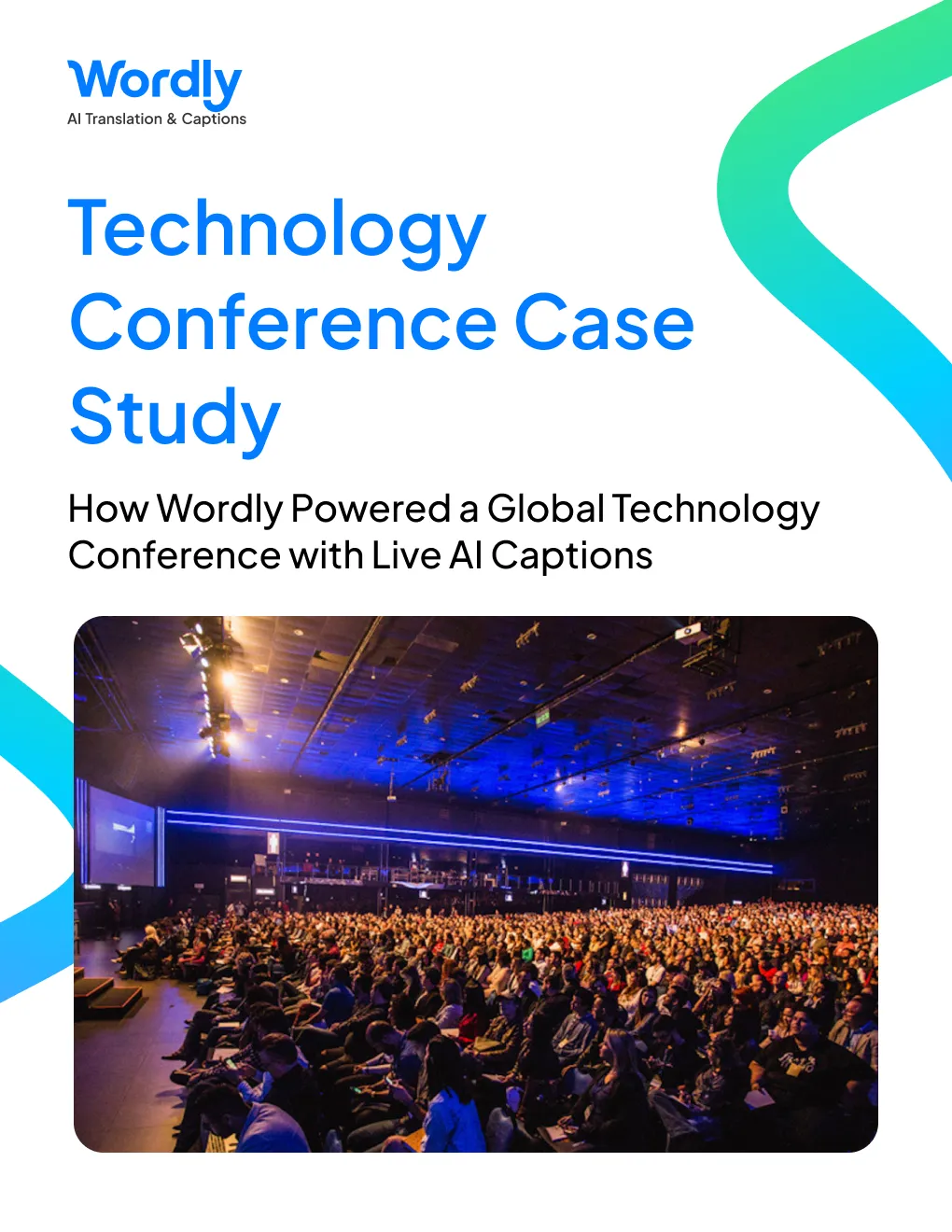
This global technology conference is one example. The Fortune 100 host used Wordly to deliver live AI captions across 52 stages for 45,000 attendees, and paired AI transcription with its own AI assistant to produce key insights for more than 600 sessions.
A Fortune 100 company that hosts one of the largest technology conferences in the world used Wordly at their annual flagship event, which brings together 45,000 thought leaders, AI enthusiasts, and innovators from around the world.
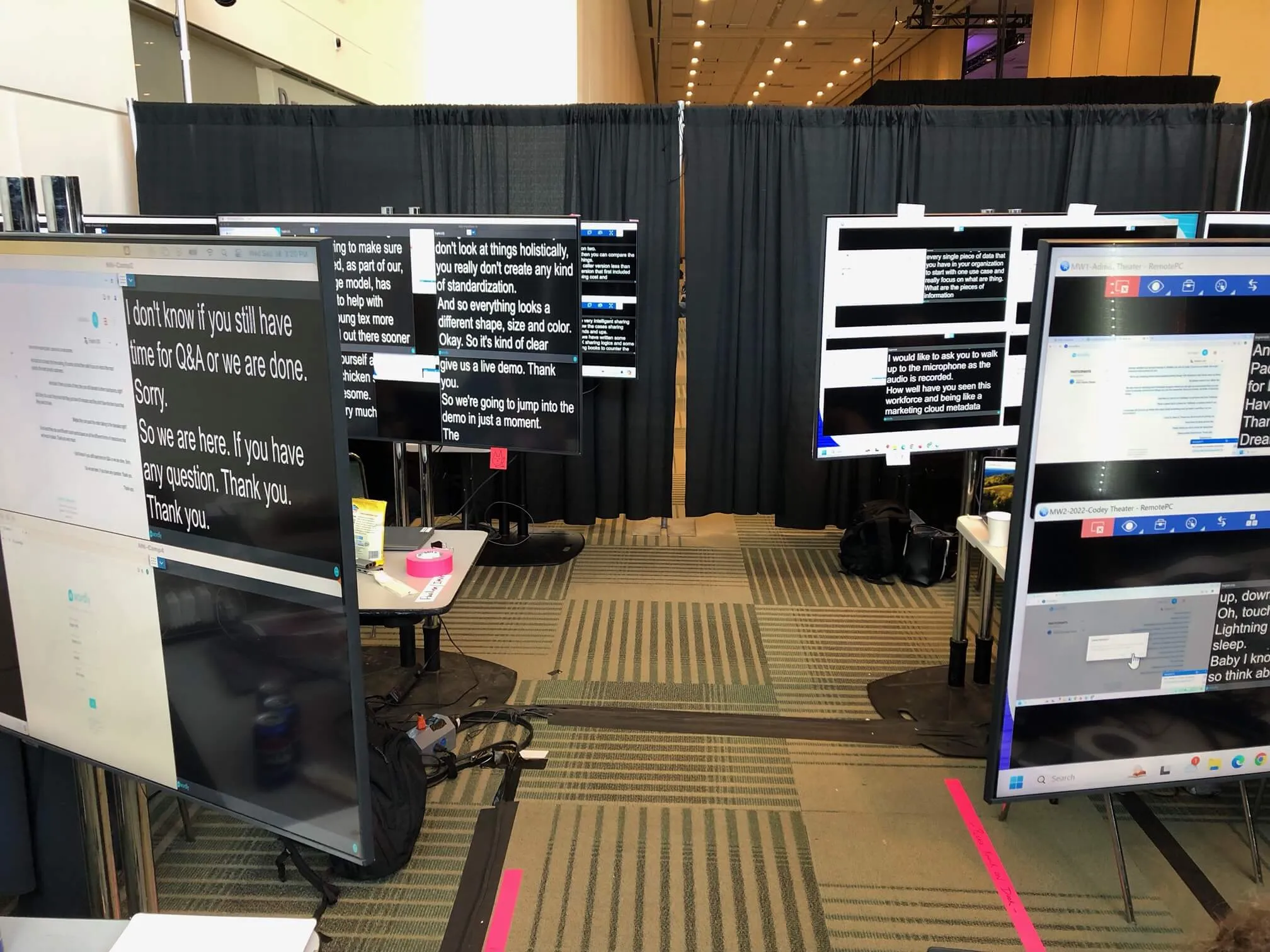
Wordly provided live captions for sessions on 52 stages to ensure everyone in the sessions could easily follow the presentations. The captions were displayed on 65” monitors next to each stage for easy access during the sessions.
Wordly AI transcription was also used along with the client’s AI assistant technology to deliver key insights for more than 600 sessions. These summaries were posted in the event app to offer added learning and value and would not have been possible without Wordly’s live captioning.
Maintaining caption accuracy in a highly technical environment is one of the biggest concerns at an event like this, and Wordly handled it with a custom glossary of more than 2,900 specialized terms, including product names, acronyms, and industry jargon. This kept consistency and precision across all content, regardless of language or speaker.
Across the three-day global technology conference, which spanned six major venues and more than fifty rooms and stages hosting over 600 sessions, Wordly delivered more than 300 hours of live AI captioning, providing inclusive access for thousands of attendees in real time.
Every session was also automatically transcribed using Wordly, resulting in more than 600 session transcripts that organizers could reference after the event.
Wordly worked with two equipment rental and AV service companies hired by the customer to manage the onsite event production. The event setup included the following items:
Each room and/or stage had an Audio Mixer that sent analog audio output to a Digital Audio Converter that fed digital audio to a laptop. The laptop ran Wordly in a browser with two tabs.
The image below shows a sample Wordly AV connection using a smartphone and iRig 2 audio converter device. The iRig is connected to the audio mixer with one speaker cable.
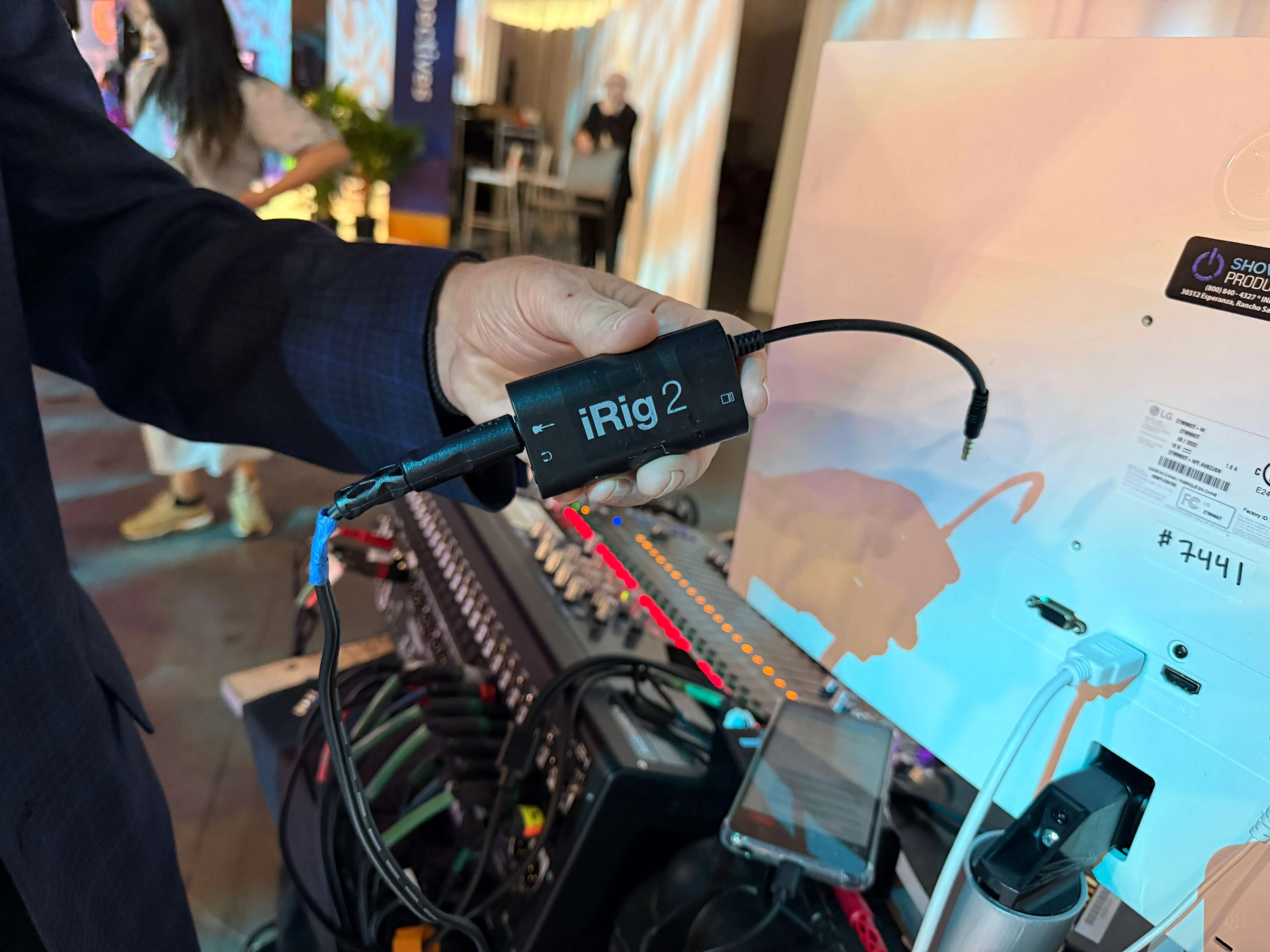
The smartphone is used to connect to the Wordly system via Wi-Fi and send the audio feed to the Wordly cloud for real-time speech-to-text and text-to-speech conversion. The output is delivered in real time to the monitors in each room.
The setup and testing process required 5–10 minutes per stage and was conducted at the beginning of each day before sessions started.
The AV company provided the speaker cables, laptops, audio conversion devices, and display monitors for each room. The laptops at each stage were remotely controlled with a program called RemotePC, so technicians in a command center could start and stop Wordly sessions efficiently, manage equipment and networking adjustments, conduct health checks, and make adjustments on the fly.
After each session, a full text transcript was downloaded from the Wordly system and uploaded into the AI meeting summary solution provided by the client. The Wordly transcripts were available immediately after each session.
The AV company managed importing the transcripts into the meeting summary tool, which produced a recap of key points from each session. The customer posted these sessions to the event app and their website during the conference to make the information available to attendees.
Wordly’s deployment at the global conference illustrates how live AI captioning enhances the attendee experience and event engagement. By providing real-time captions and AI summaries, Wordly not only addressed the needs of individuals who needed access to captions but also enriched the overall learning experience for all participants. The smooth collaboration with the AV partners made it easy to implement and manage Wordly.
While this client elected not to offer attendees the option for translated output, Wordly provides this as a core part of the solution. Attendees could have accessed live translation in dozens of languages and either read captions or listened to the audio output.
Wordly is the pioneer and leader in live interpretation, providing a high-quality, secure, easy-to-use, and affordable live AI translation and caption solution for communicating across multiple languages. Wordly translates dozens of languages in real time, making in-person and virtual meetings and events more inclusive, accessible, and engaging.
Its SaaS platform meets enterprise-grade security and privacy standards and eliminates the need for human interpreters or special equipment. Millions of users across thousands of organizations rely on Wordly to make their events and meetings accessible to everyone.
See it in action – book a personalized demo.
One of the world’s largest technology conferences brought together 45,000 innovators, executives, and AI enthusiasts, but ensuring accessibility across 52 stages posed a challenge. Learn how a Fortune 100 company used Wordly to deliver live AI captions, generate real-time transcripts and session summaries, and create a more inclusive, insight-driven experience for thousands of global attendees.
Download Case Study.avif)
.png)