Seamless live event translation & captions made easy. [Watch 3-Min Demo]
Generate live AI subtitles and captions on any screen at your events. Purpose-built for AV teams and event producers who need accurate subtitle and caption overlays without the complexity.
.avif)
.avif)
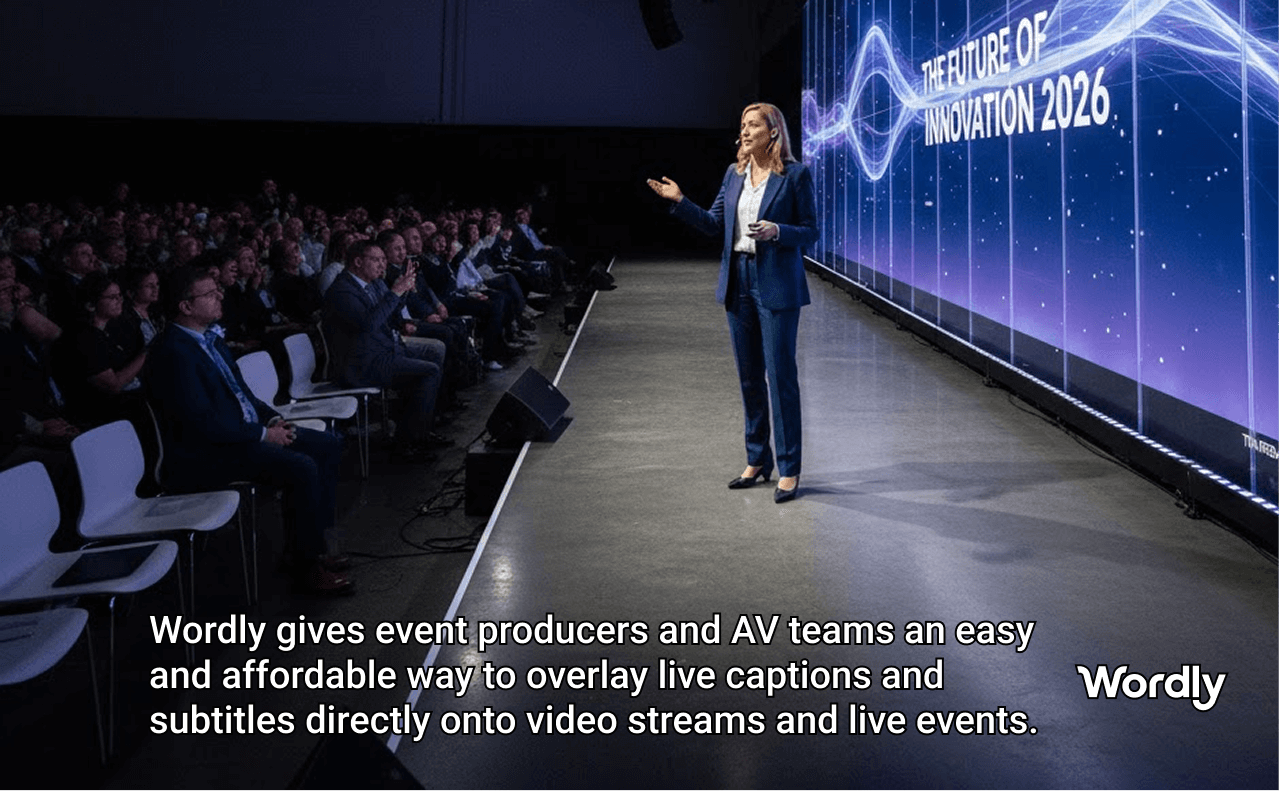
The Wordly Subtitles App gives event producers and AV teams an easy and affordable way to overlay live AI captions and subtitles directly onto video streams and live event presentation screens in dozens of languages.
No more overly complex caption pipelines. Just Wordly, doing the heavy lifting. Because no one should miss a word, no matter how they’re tuning in.
.png)
Drop live captions into conferences, hybrid events, broadcasts, and enterprise streams in minutes. Integrate seamlessly with the broadcast and streaming tools your team already uses every day.

Generate AI subtitles and captions that integrate directly with professional broadcast and streaming tools. Built to support global accessibility and compliance standards.
Upper or lower thirds, high-contrast with background, clean text-only overlays, or green screen output. Pick the display format that fits your production and your audience in dozens of languages.
Configure your display format once, copy the link, and relaunch in seconds at every future event. Your settings come pre-loaded every time, so your team skips the setup and goes straight to live.
Adjust text size or languages on the fly. Changes apply instantly without interrupting the live display, so your team stays in control even in high-pressure live environments.
The Wordly AI Subtitle Generator connects to your existing Wordly session and delivers a clean caption overlay ready for your broadcast system. Here's how to get started:
Every AI Subtitle Generator session also creates text transcripts, voice transcripts, and summaries, in dozens of languages. Great for simplifying tasks like adding subtitles to videos or sharing key takeaways from meetings.
To access all Wordly resources, including case studies, guides, and videos, visit the Resources page.
Both display live captions and subtitles for any video content, including live events. The Display App offers more configuration options and supports showing multiple languages simultaneously, while the Subtitles App provides a simpler, streamlined setup for quick caption overlays. If your goal is fast, clean, and accurate caption overlays for live video, the Subtitles App is the right choice.
The Subtitles App is designed to plug into your existing broadcast setup, not replace it. A broadcast system such as OBS, video switchers, or streaming platforms are required to complete the overlay workflow.
The AI Subtitle Generator supports upper and lower thirds positioning, high-contrast captions with background, clean text-only overlays, and green screen output for direct integration with broadcast systems.
The AI Subtitle Generator displays captions and subtitles in dozens of languages, powered by fast, accurate, and secure AI translation. See all options on our Translator Languages page.
The Subtitles App is available to all Wordly customers at no additional cost.
Yes. AI Subtitle Generator sessions are passcode-protected and Wordly meets enterprise-grade security and compliance standards, including ISO 27001 and SOC 2 Type II.
.png)
.png)
%20(1)%201.png)
.png)
In a 30-minute video call, we will show you how Wordly can work for your use case, and answer questions.