Check out our product updates - What's New at Wordly
Live captions in your video broadcasts
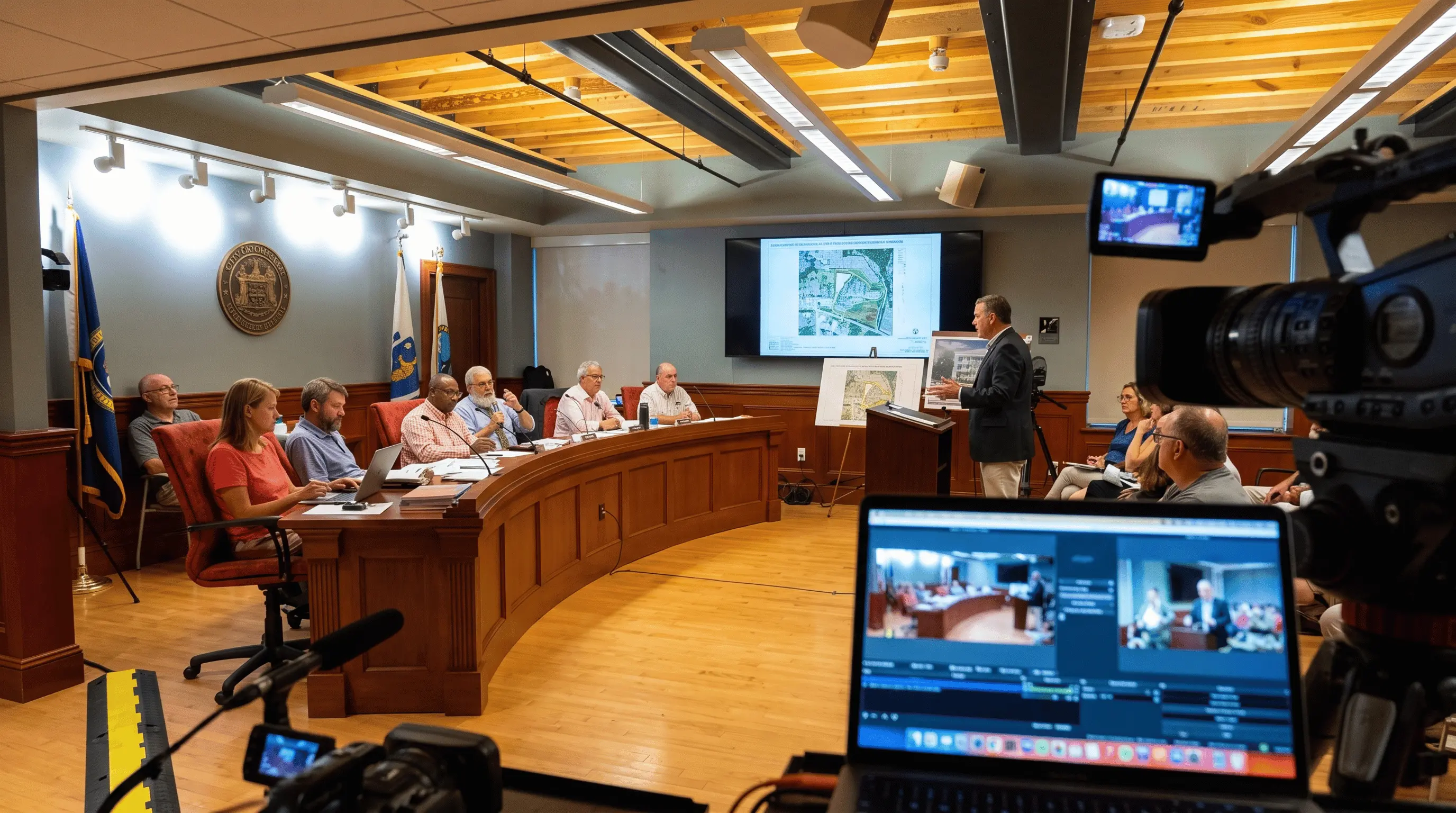
Broadcast live CEA-608 closed captions in multiple languages at once by linking Wordly Caption Bridge to your CC encoder. Now every public meeting, service, or ceremony you stream is accessible in real-time without the logistics of booking traditional captioners or purchasing new hardware.
.avif)
.avif)
If your broadcast stream carries council meetings, worship services, lectures, or ceremonies, the rules around captioning them are tightening — and increasingly captioning rules apply to every session, in more than one language. The standard driving that shift, WCAG 2.1 Level AA, puts it plainly: if you stream it live, it needs live captions.
Satisfying that with traditional captioners gets expensive fast. Every language you add is another specialist to find and another schedule to work around, so the high-profile events get covered and the rest of the calendar goes without.
Wordly Caption Bridge connects our real-time AI captioning directly to your broadcast chain, putting highly accurate 608 captions on screen in real-time — in the languages your audience actually speaks.
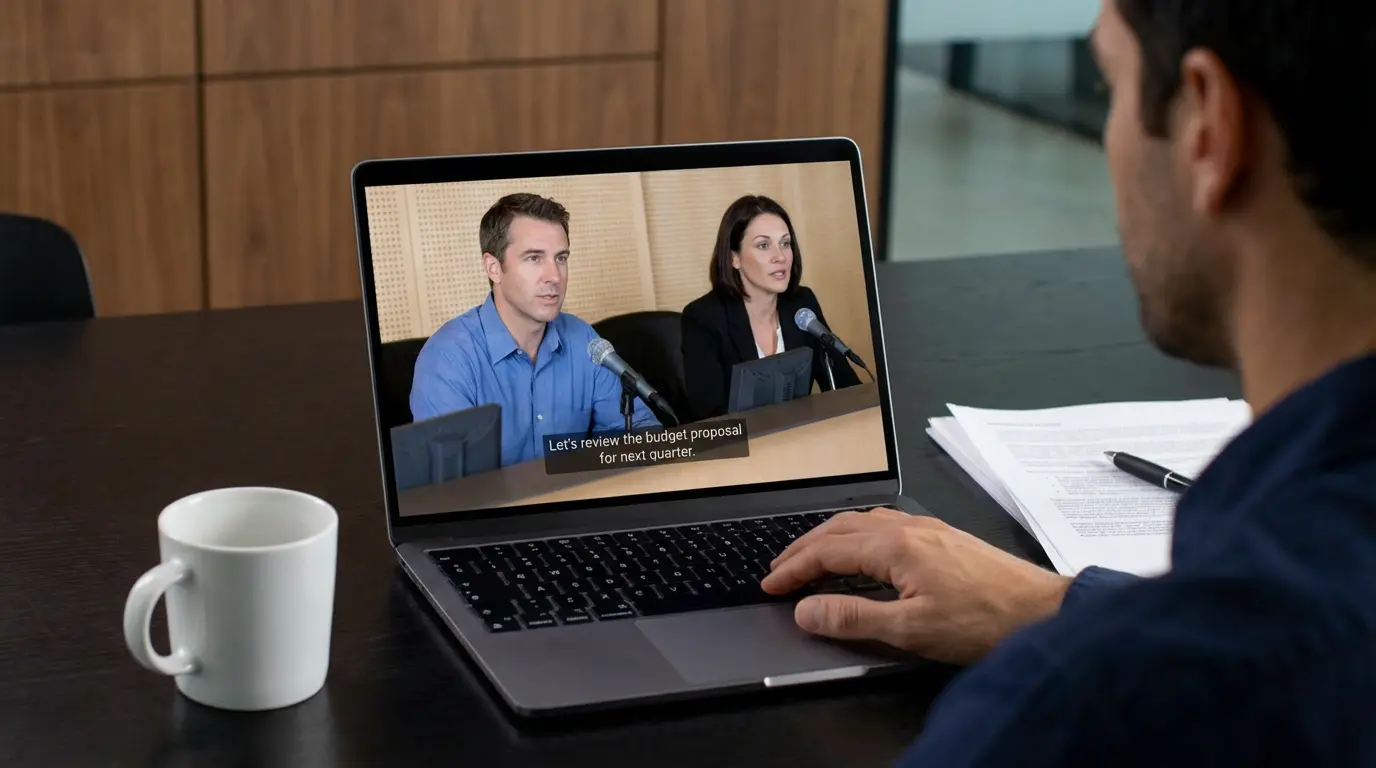
Wordly's AI is tuned for contextual accuracy on names, and technical terminology rather than just speed. Custom glossaries lock in the vocabulary specific to your organization.
Compatible with most captioning encoders, including models from EEG, Link Gemini, and SRT. If you’re using other hardware, just let us know—we can extend support to additional models.
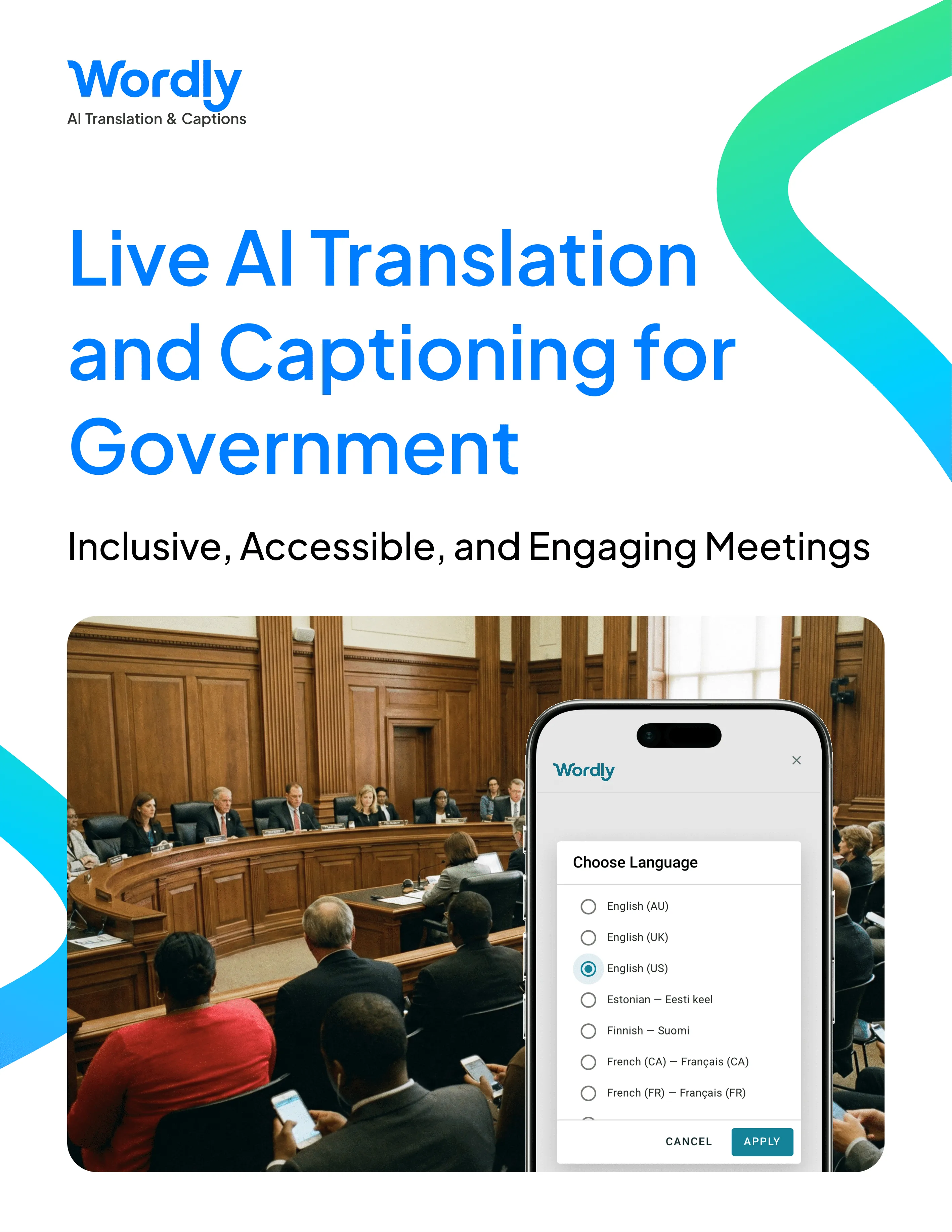
Broadcast multiple languages from a single Wordly session. Viewers select their preferred channel from the caption menu on their own television or player.
Validate channel output, line formatting, and timing behavior without connecting to live hardware. Rehearse the full configuration in advance of your live broadcast.
Caption Bridge links to your existing CEA-608 caption encoder, so you can broadcast multilingual captions without buying or installing new hardware.
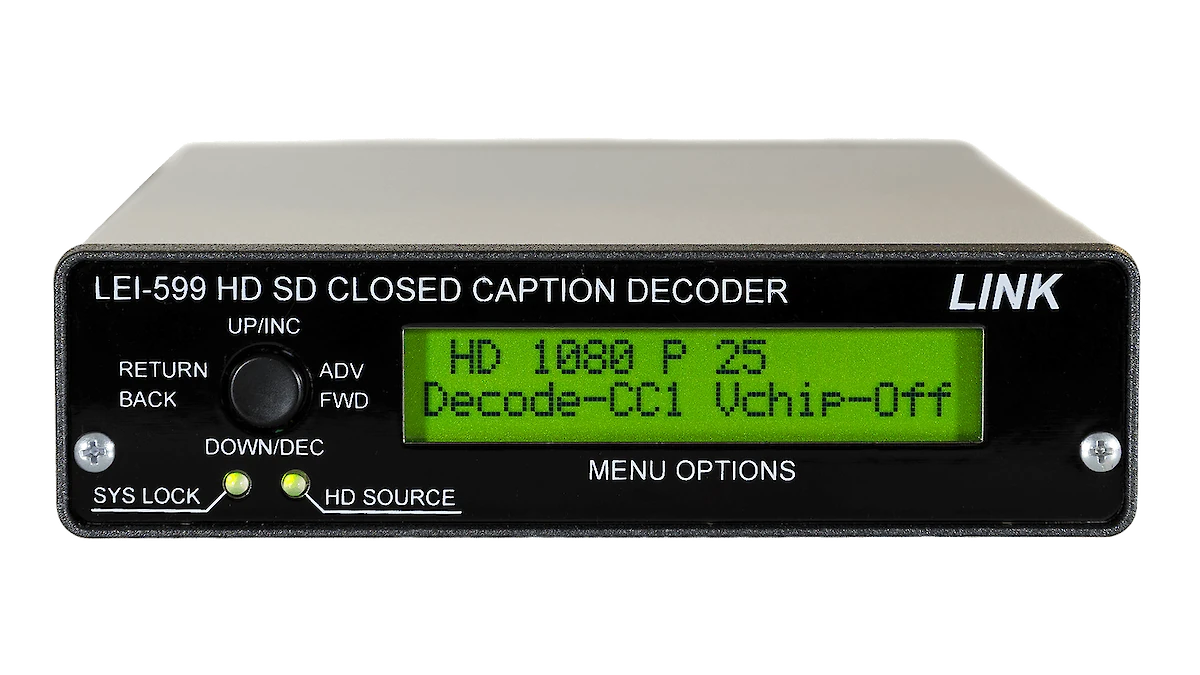
Wordly Caption Bridge connects to your existing broadcast caption encoder
Public board, council & commission meetings
Public hearings & zoning sessions
State legislative sessions
Board of supervisors meetings
University lectures & commencements
Worship services & ceremonies
.webp)

.webp)
1. Do Nothing: The cheapest option today and the most expensive one later. Uncaptioned broadcasts exclude deaf and hard-of-hearing audiences entirely.
2. Hire Live Captioners: A skilled captioner produces excellent results. But cost and scheduling put a hard ceiling on how much of the calendar anyone can realistically cover — and another captioner working in a second language doubles the cost and work of coordinating.
3. Use Wordly Caption Bridge: One Wordly session, two jobs. It captions and translates for your attendees, while also sending multiple languages out on your video signal, each on its own closed caption channel. Languages that aren't broadcast remain available on attendees' devices and in the transcripts.
Trusted by thousands of organizations worldwide





“Easy for our AV technicians to implement and easy to explain to delegates how to use. It was problem-free from day one to the last day. Wordly enabled us to market to a French audience, increasing our registrations, and solving accessibility.”

“Wordly is easy to use. Our staff did not need to spend a great deal of time setting it up. It was as close to plug and play as possible. The attendees were able to access the translation with minimal instructions.”
“It’s remarkably accurate, easy to deploy, and versatile. We can use it across small meetings or large events, and the experience for families is seamless. If your organization values inclusivity, Wordly is a game-changer.”
.avif)
Caption Bridge is an add-on to a Wordly subscription, using the same session that already serves your in-person and remote attendees. One license key covers your organization for up to three encoders.
Most customers start with a Wordly package of live translation and captioning hours, then add Caption Bridge for the broadcast portion of their calendar. Since all Wordly languages are included at one fixed hourly price, adding a language does not change what you pay. Every session also produces text transcripts and summaries, and teams running Wordly for government meetings can add broadcast captions for a fraction of what per-event captioners cost.
More Resources - To access all Wordly resources, including case studies, guides, and videos, visit our resources page.
Wordly Caption Bridge works with the broadcast hardware you already own, with no new appliance to buy or add to your rack.
One key feature is:
Multiple Languages on One Broadcast
Captioning and translation run together in a single Wordly session, so a multiple languages stream on their own caption channels.
See all of the Live Captioning features.
Wordly provides personalized setup support to get your AV team up and running on your own hardware.
One frequent question customers ask:
What has to be installed?
One small program on the workstation your operator already uses. Your encoder stays on its closed network with no internet access — the Wordly Agent reaches out to us to link to Wordly's cloud-based software.
See more questions here.
Customers love Wordly for our fast set up, ease of use, extensive features, and affordable pricing.
One happy customer said:
“Beyond the affordability of Wordly, I'd say that the ease of use for participants and organizers alike is what I appreciated most.”
See what other Customers are saying.
Caption Bridge is a browser-based operator console that joins your live Wordly session, receives the transcription and translation as it is produced, formats it to broadcast caption requirements, and delivers it to your hardware caption encoder. Your encoder then embeds those captions into the outgoing video signal, so viewers watching on cable, PEG, or your public livestream see them on screen in real-time.
Yes. Caption Bridge is built for organizations that already have a 608 or 708 captioning encoder in the signal chain. If you don't have an encoder, talk to us about Wordly's other options for making your meetings accessible, like captions and translation delivered to attendees on their own devices, and to virtual meeting platforms like Zoom and Microsoft Teams.
Yes. The Wordly Agent is a small program on the computer your operator uses. Your captioning encoder sits on a closed broadcast network with no internet access, and the Agent is the bridge that allows your closed network to receive captions from your cloud-based Wordly account. Nothing is installed on the encoder itself. The Agent reaches out to Wordly, we never reach in.
Yes. CEA-608 caption data can be carried by 708 hardware.
You can run up to four caption channels, each in a different language. The languages rendered with CEA-608 are the Latin character set, so languages written in other scripts are unavailable in the broadcast path. However, those languages remain fully available to attendees using Wordly's browser-based translation on their own devices during the same session.
Tell us your model and our team will work through the configuration with you. Custom encoder profiles are supported and saved across sessions.
As an add-on to your Wordly subscription. One license key covers your organization for up to three encoders, with additional encoders available separately.
.png)
%20(1)%201.webp)
.png)
.avif)
