Turn translation & captions into revenue with Sponsor Logos → Learn More
Offer floor audio without equipment rental with Silent Theater → Learn More
Live AI Translation, Captions, Summaries, & Transcripts
Bring translated text to life with natural, real-time audio. Wordly Text-to-Speech converts translated text into high quality voice output so attendees can listen in their preferred language – ideal for meetings and events.
.avif)
.avif)
Text-to-Speech gives attendees more than words on a screen. It enhances comprehension, increases accessibility, and helps global audiences stay engaged by letting them hear content the way it was intended. When combined with Wordly live translation and captioning, it creates a richer and more flexible experience for every attendee.
Wordly Text-to-Speech is built on the same platform that powers our live translation and captioning features. Each step of the process is engineered to deliver accurate audio quickly, even as speakers change pace or shift topics. The result is natural sounding audio delivered in each attendee’s preferred language.
Step 1: Wordly captures the presenter’s audio
Step 2: The audio is transcribed to text using our speech recognition model
Step 3: The text is translated into the attendee’s selected language using machine translation and LLM models
Step 4: The translated text is converted into natural streaming audio and delivered to the attendee’s device in real time
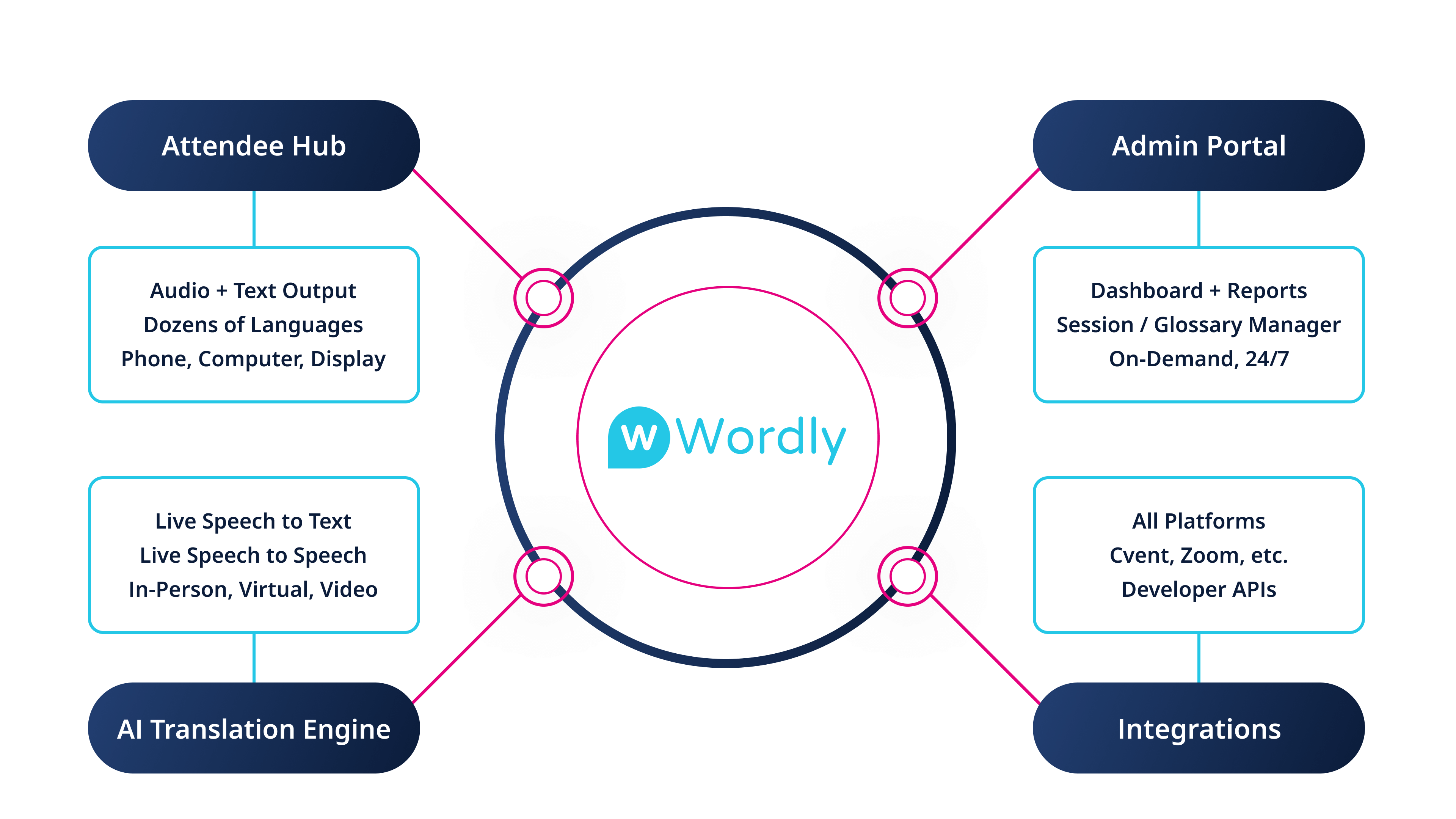
Text-to-Speech is built to support the full range of meeting and event formats. Attendees can control how they want to listen, while organizers maintain a consistent, reliable experience across all devices and environments.
Text-to-Speech improves comprehension, enables accessible experiences, and extends the value of content long after live sessions end. Whether attendees are participating in real time or watching recordings, they can easily listen in their preferred language.
Wordly Text-to-Speech is engineered for consistent performance at any scale. Whether a session has a handful of participants or thousands, Wordly is built to deliver fast, clear audio and give hosts and attendees intuitive controls for managing playback preferences.
Text-to-Speech is the process of converting written text into spoken audio using AI voices. With Wordly, translated text is turned into natural sounding audio in real time so attendees can listen to meeting content in their preferred language. It supports live events, webinars, and recorded content and works seamlessly with captions, transcripts, and translations.
Wordly supports TTS audio in dozens of languages. Attendees can choose their preferred listening language directly from the interface, and organizers can enable as many output languages as needed for a session.
Wordly is optimized for real time events and delivers very low latency audio. Most attendees experience only a slight delay, similar to what they would hear with simultaneous interpretation.
Yes. Attendees at in person conferences and hybrid meetings can listen to TTS audio on their own devices using a QR code or event link. This removes the need for headsets or specialized audio equipment.
Yes. Attendees can listen to TTS audio while also reading captions. After the event, organizers can download transcripts and translated text for summaries, notes, and on demand content workflows.
Text-to-Speech helps every attendee follow along by providing natural real time audio in their preferred language. With Wordly, you can offer high quality translated audio alongside captions and transcripts at any meeting or event.
Contact us to learn how Wordly Text-to-Speech can support your next conference, webinar, or training session.
.png)
.png)
%20(1)%201.webp)
.png)

.avif)
