Seamless live event translation & captions made easy. [Watch 3-Min Demo]
.avif)
.avif)
Three recent enhancements—AI summaries, improved caption display modes, and enterprise Workspaces—that help teams share insights faster, support accessibility, and scale multilingual delivery.
Organizations are being asked to do more with less. They need to reach broader audiences, support accessibility requirements, and engage multilingual participants without adding complexity. Wordly provides live AI translation and captions for meetings and events, helping more people participate without the cost and logistics of traditional interpretation.
Below are three recent updates that help teams get more value from every live session.
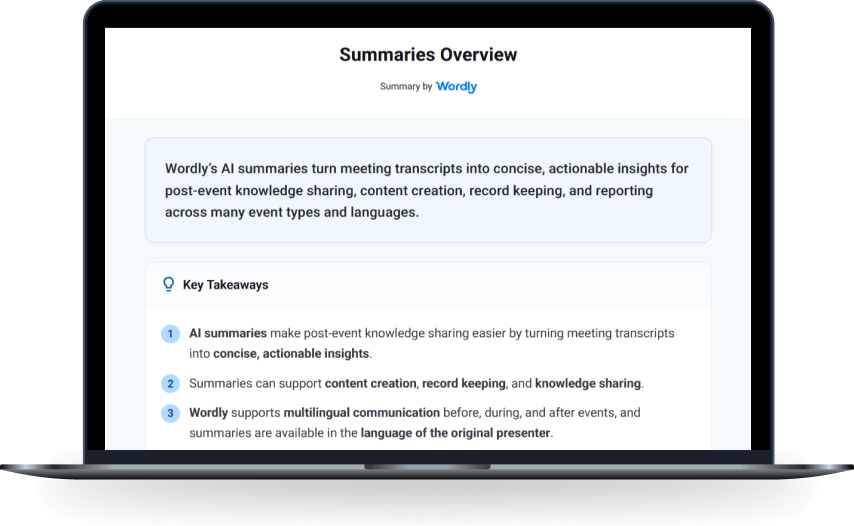
Wordly AI Summaries help you get insights from meetings to use for post-event needs, supporting content creation, record keeping, and knowledge sharing. Built from your Wordly transcript, AI Summaries turn meeting transcripts into concise, actionable insights so teams can quickly review what was discussed and share key takeaways with stakeholders.
What this enables:
Because attendees follow along on their own phones, tablets, or laptops, readability matters. Wordly’s updated display modes let each attendee choose the viewing style that works best for them, without extra setup for organizers.
Attendees can select Normal, Display, or High Contrast to match different lighting and accessibility preferences.
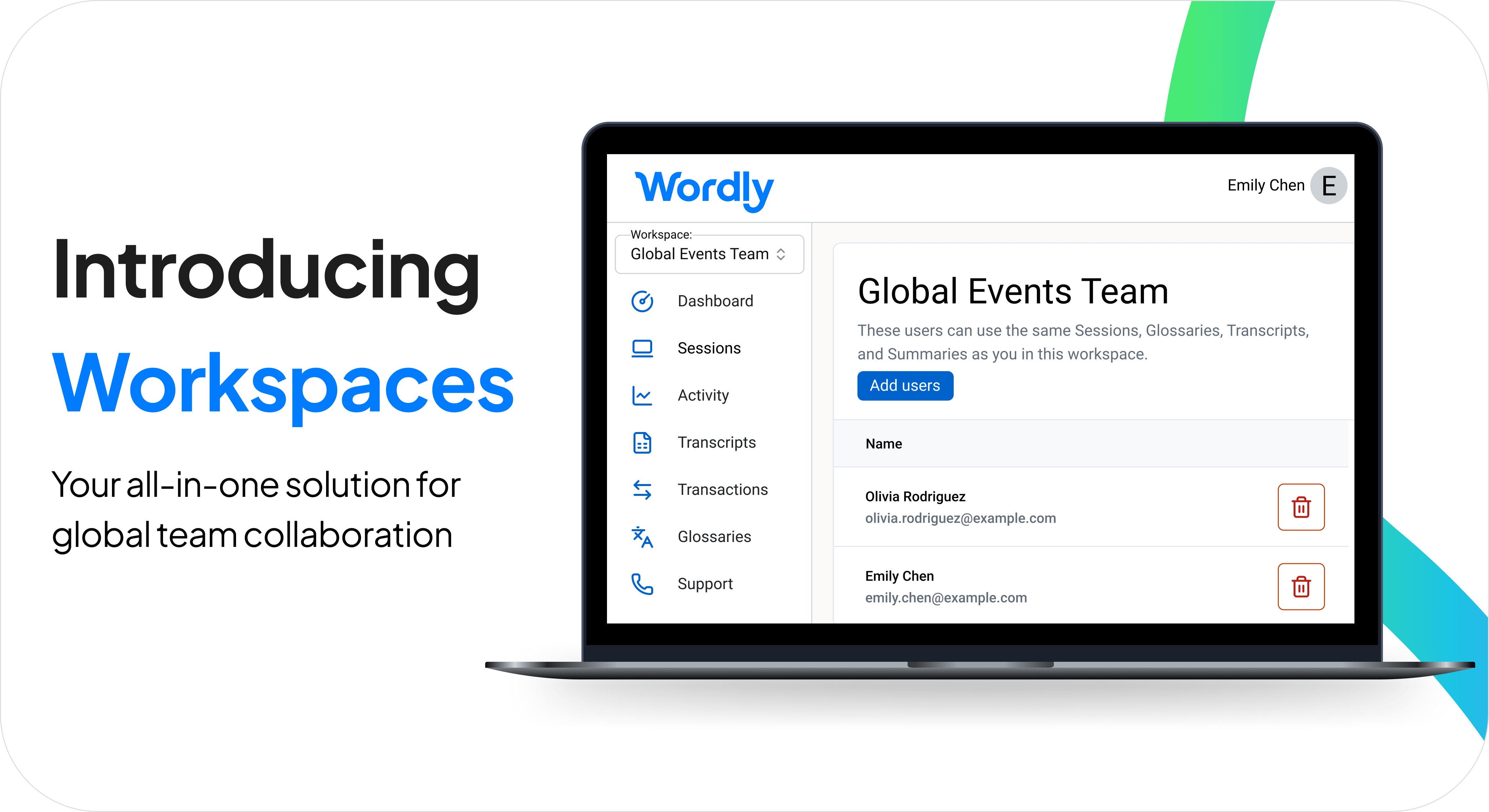
Wordly Workspaces provide a secure, shared environment designed to scale live AI translation, captions, summaries, and more across the organization. Workspaces enable shared session ownership, making it easier to standardize delivery and collaborate at scale.
With Workspaces, teams can:
If your organization is looking to expand multilingual access, improve accessibility, or reduce interpretation costs and logistics, Wordly can help. Contact Wordly to see the right setup for your meetings and events, and how Workspaces can support enterprise-wide adoption.
.png)