How Wordly Powers Live Translation and Captions at Conferences and Events
.avif)
.avif)
Wordly gives every attendee real-time translation and captioning in the language they prefer, delivered live during keynotes, breakouts, and general sessions. Event and meeting planners use Wordly to make in-person, hybrid, and virtual programs accessible to global and multilingual audiences without booking human interpretation booths or handing out receiver hardware.
Wordly has powered live translation and captioning at some of the largest conferences in the world, including Dreamforce, IMEX, and the flagship events of the meeting and event industry's own professional associations.
Table of Contents:
- Can you use AI translation at a conference?
- How do AI translation and captions work at events?
- Which conferences and events use Wordly for live translation?
- What size and types of events can Wordly support?
- How many languages can attendees access during a live event?
- What setup and live support do event organizers get?
- Is Wordly secure and enterprise-ready for large events?
- What can you do with your event content after the conference?
- Frequently Asked Questions
- What should event and meeting planners do next?
Can you use AI translation at a conference?
Yes. Wordly AI translation and captions are built for live conferences and support major events across the globe.
Here is what that looks like in practice. A speaker presents in their own language. Wordly converts the audio in real time and delivers it to attendees as live captions, translated subtitles, or translated audio, each person choosing the language they want on their own device. It works the same way whether the room holds 200 people or 20,000, and whether the audience is together in one venue or joining from around the world.
For planners, the shift is significant. Language access used to mean interpretation booths, headsets, and per-language staffing that limited how many languages you could realistically offer. AI translation removes those constraints, so you can support many more languages, more sessions, and more attendees at a fraction of the coordination.
How do AI translation and captions work at events?
Wordly listens to the live audio feed from a session and produces translation and captioning instantly, then streams it to attendees wherever they are.
The core of the experience is simple for everyone involved:
- For speakers, nothing changes. They present normally in their own language, and Wordly handles the rest from the audio feed.
- For attendees, access happens on the device they already carry. They open a link, scan a QR code, or use the Wordly app, select their language, and immediately see captions or subtitles or hear translated audio.
- For organizers, a single setup covers the whole program. Wordly connects to the room audio or your streaming or hybrid platform, so the same solution serves in-person and remote attendees at once.
Because it runs from the audio feed rather than per-attendee hardware, one configuration can cover a keynote stage and dozens of concurrent breakout rooms across a multi-day agenda.
Which conferences and events use Wordly for live translation?
The strongest signal for any planner is who else trusts the solution, and Wordly is the choice of the organizations that set the standard for the meetings and events industry.
The professional associations that event planners belong to, PCMA, MPI, GBTA, and ASAE, all use Wordly at their own flagship conferences. When the people who run events for a living choose Wordly for their marquee programs, and return with it year after year, that is the clearest proof it holds up under real conditions.
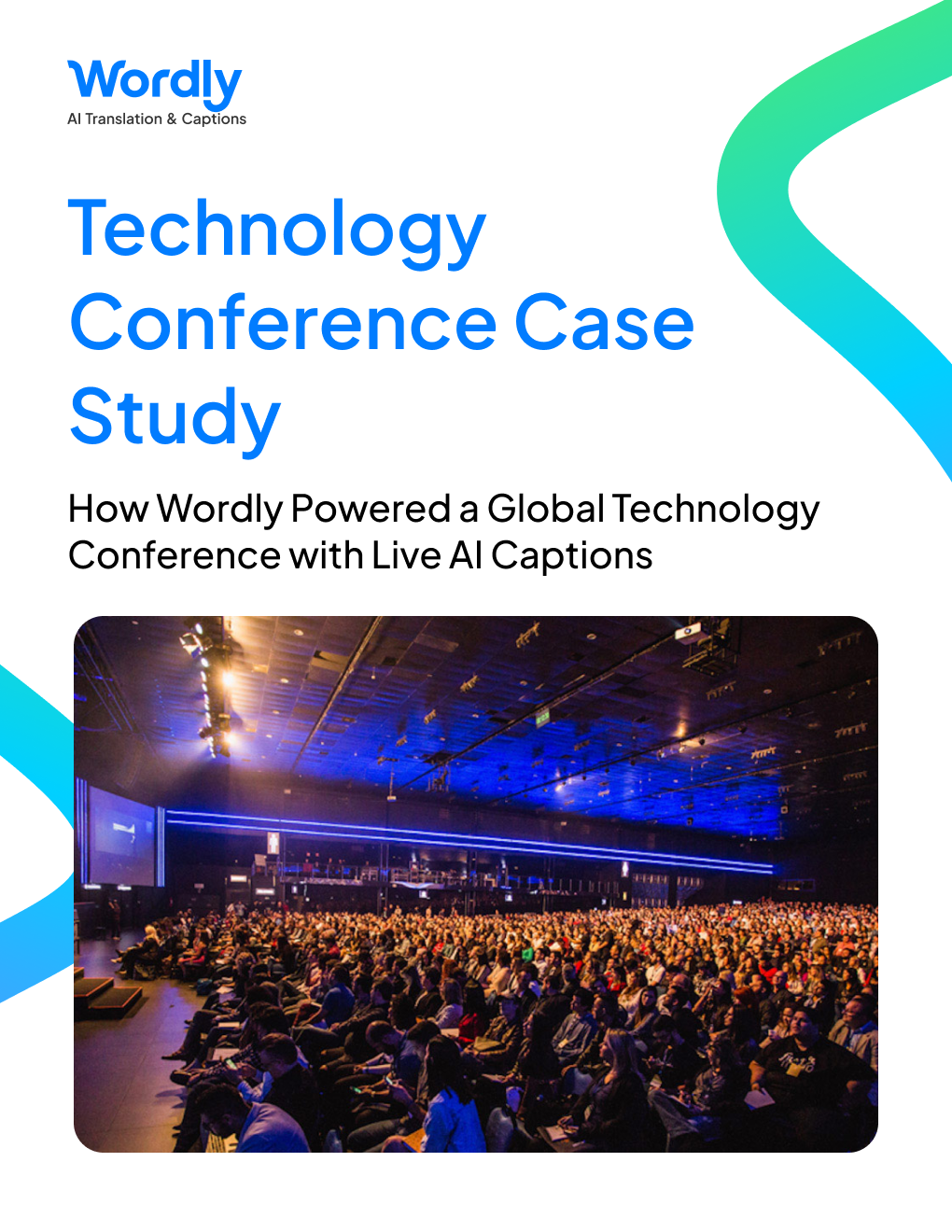
Wordly also performs at the largest scale in the industry. At Dreamforce in San Francisco, Salesforce's flagship conference, Wordly delivered more than 300 hours of live AI translation and captioning across over 600 sessions for an audience of 45,000 or more. At IMEX in Frankfurt, the global gathering for event professionals from more than 160 countries, Wordly has powered translation across keynotes and breakouts for multiple years.
Across the broader portfolio, Wordly has powered live translation and captions at:
- Dreamforce (2024), San Francisco: 300+ hours across 600+ sessions, 45,000+ attendees
- IMEX (2025), Frankfurt: 70+ hours across dozens of keynotes and breakouts, 13,000+ attendees
- IMEX (2024), Frankfurt: 60+ hours across 60+ sessions, 15,000+ attendees
- PCMA Convening Leaders (2025), San Diego: 100+ hours across 100+ sessions, 5,500+ attendees
- PCMA Convening Leaders (2024), San Diego: 100+ hours across 100+ sessions, 5,000+ attendees
- PCMA EduCon (2025), Louisville: 90+ hours across 100+ sessions in 12 languages for 500+ users
- PCMA CEMA Summit (2025), Austin: 65+ hours in 11 languages for 340+ users
- GBTA Convention (2025), Denver: 85+ hours across 100+ sessions in 15 languages for 660+ users
- ASAE Annual Meeting (2024), Cleveland: 125+ hours across 100+ sessions, 5,000+ attendees
- MPI WEC (2024), Louisville: 130+ hours across dozens of keynotes and breakouts, 2,000+ attendees
- MPI Smart Monday (2024), Las Vegas: 120+ hours across dozens of sessions, 1,500+ attendees
- Cvent Connect Europe (2024): 88+ hours across 26+ sessions, 1,300+ attendees
- ANOC General Assembly (2024), Portugal: 30+ hours across 16 sessions, 1,000+ delegates
Every one of these is an example of what Wordly can do for your conference or event, regardless of size, format, or audience.
Wordly has been used by millions of meeting and event attendees worldwide. Hear what our customers have to say.
What size and types of events can Wordly support?
Wordly scales from focused single-day programs to the largest annual conferences in the world, and supports in-person, hybrid, and virtual formats equally.
The range above tells the story. Wordly has served intimate delegate gatherings of around 1,000, mid-size association summits, and mega-conferences of 45,000 or more, using the same underlying solution. It has powered single-day kickoff events like MPI Smart Monday and multi-day, multi-track agendas with hundreds of concurrent sessions like Dreamforce and PCMA Convening Leaders.
The format is just as flexible. Corporate flagship conferences, association annual meetings, education-focused programs, and international assemblies have all run on Wordly.
How many languages can attendees access during a live event?
Wordly supports dozens of languages, and organizers routinely offer a dozen or more at a single event so attendees can follow along in the language they are most comfortable with.
Real programs show what that unlocks. At the GBTA Convention, Wordly enabled access in 15 languages for more than 660 users. At PCMA EduCon, attendees followed sessions in 12 languages, and at the PCMA CEMA Summit, in 11. Offering that many languages through traditional interpretation would be cost-prohibitive for most events. With Wordly, expanding language coverage is a setting, not a staffing decision, so you can meet the needs of a genuinely global audience.
What setup and live support do event organizers get?
Wordly is a supported service, not a self-serve tool you are left to figure out. Every event includes hands-on help before and during the program.
For each of the events above, Wordly provided pre-event setup, custom glossary creation, on-site configuration, testing, and live support throughout the event. In practice that means:
- Pre-event setup and configuration so the solution is ready and tested well before doors open.
- Custom glossary creation so speaker names, product names, acronyms, and industry-specific terminology come through the way your audience expects.
- On-site configuration and testing to connect Wordly to the room audio, streaming, or hybrid platform and confirm everything works ahead of each session.
- Live support during the event so there is a real person accountable for a smooth experience while sessions are running.
This is the part planners feel most on show day. The technology matters, but so does knowing a team has tested the setup and is standing by if anything comes up.
Is Wordly secure and enterprise-ready for large events?
Yes. Wordly meets the security, privacy, and accessibility standards that enterprise and public-sector organizers require, backed by independent certifications and audits.
Wordly's compliance coverage includes: ISO 27001, SOC 2 Type II, GDPR, HIPAA, CCPA, and VPAT.
For planners running programs under procurement, privacy, or accessibility mandates, this means Wordly can clear security reviews and support your compliance obligations rather than becoming a blocker to approval.
What can you do with event content after the conference?
The value of live translation does not end when the closing session wraps. Wordly turns spoken sessions into multilingual content organizers can use long after the event.
After the program, organizers can put session transcripts and translated text records to work, extend recorded and on-demand sessions with captions and translations, and make content accessible to people who could not attend live or who prefer a different language. Usage data from the event also shows which languages attendees actually used, which helps you plan language coverage for next time and demonstrate the reach and inclusivity of your program to stakeholders and sponsors.
In short, one live event becomes a library of accessible, multilingual content that keeps delivering value across your audience.
Frequently Asked Questions
What is live AI translation and captioning?
Live AI translation and captioning converts a speaker's spoken words into real-time captions, translated subtitles, or translated audio, delivered instantly to attendees during a live session. It lets people follow a presentation in the language they prefer as it happens.
Does Wordly work for both in-person and virtual attendees?
Yes. Wordly serves in-person, virtual, and hybrid audiences from a single setup. It can connect to the room audio for on-site attendees and to your streaming or hybrid platform for remote participants at the same time.
Do attendees need special equipment to use Wordly?
No special hardware is needed. Attendees join on a device they already have, such as a smartphone, tablet, or laptop, or through the Wordly app, then choose their language.
How do attendees access translation during a session?
Attendees open a link or scan a QR code, or use the Wordly app, select their preferred language, and immediately see captions or subtitles or hear translated audio for that session.
Can Wordly reflect the specific terminology used at our event?
Yes. Wordly supports custom glossaries so speaker names, product names, acronyms, and industry-specific terms are handled the way your audience expects. Glossaries are created as part of pre-event setup.
How far in advance should organizers set up Wordly for an event?
Wordly includes pre-event setup, configuration, and testing ahead of the program, and glossary creation is completed before doors open. Engaging early gives the team time to prepare and test everything for your specific agenda.
Can Wordly support multi-track conferences with many concurrent sessions?
Yes. A single Wordly setup can cover a mainstage plus many simultaneous breakout rooms across a multi-day agenda. Wordly has powered events with hundreds of concurrent sessions.
Can Wordly integrate with the AV and streaming setup at a venue?
Yes. On-site configuration connects Wordly to the room audio, streaming, or hybrid platform, and the team tests the connection before sessions begin.
Is Wordly suitable for international events with global audiences?
Yes. Wordly supports dozens of languages and has powered international conferences that draw attendees from many countries, including events in Europe. Organizers commonly offer a dozen or more languages at one event.
What support is available during a live event?
Every event includes live support throughout the program, so there is a dedicated team accountable for a smooth experience while sessions are running, in addition to pre-event setup and on-site testing.
What should event and meeting planners do next?
If your audience is global, multilingual, or simply expects an inclusive experience, live AI translation and captions are the most practical way to meet that expectation at scale.
The teams already doing this are not experimenting. They are the leading organizations in the events industry, running their biggest programs on Wordly and coming back for the next one. Wordly handles the language access, the setup, the on-site testing, and the live support, so you can focus on the program itself.
The best next step is to talk through your specific event, its size, session count, formats, and the languages your audience needs, and see exactly how Wordly would support it.
Book a live demo to plan language access for your next conference.


.png)
