
Audience Engagement Explained: How It Works for Attendees and Organizers


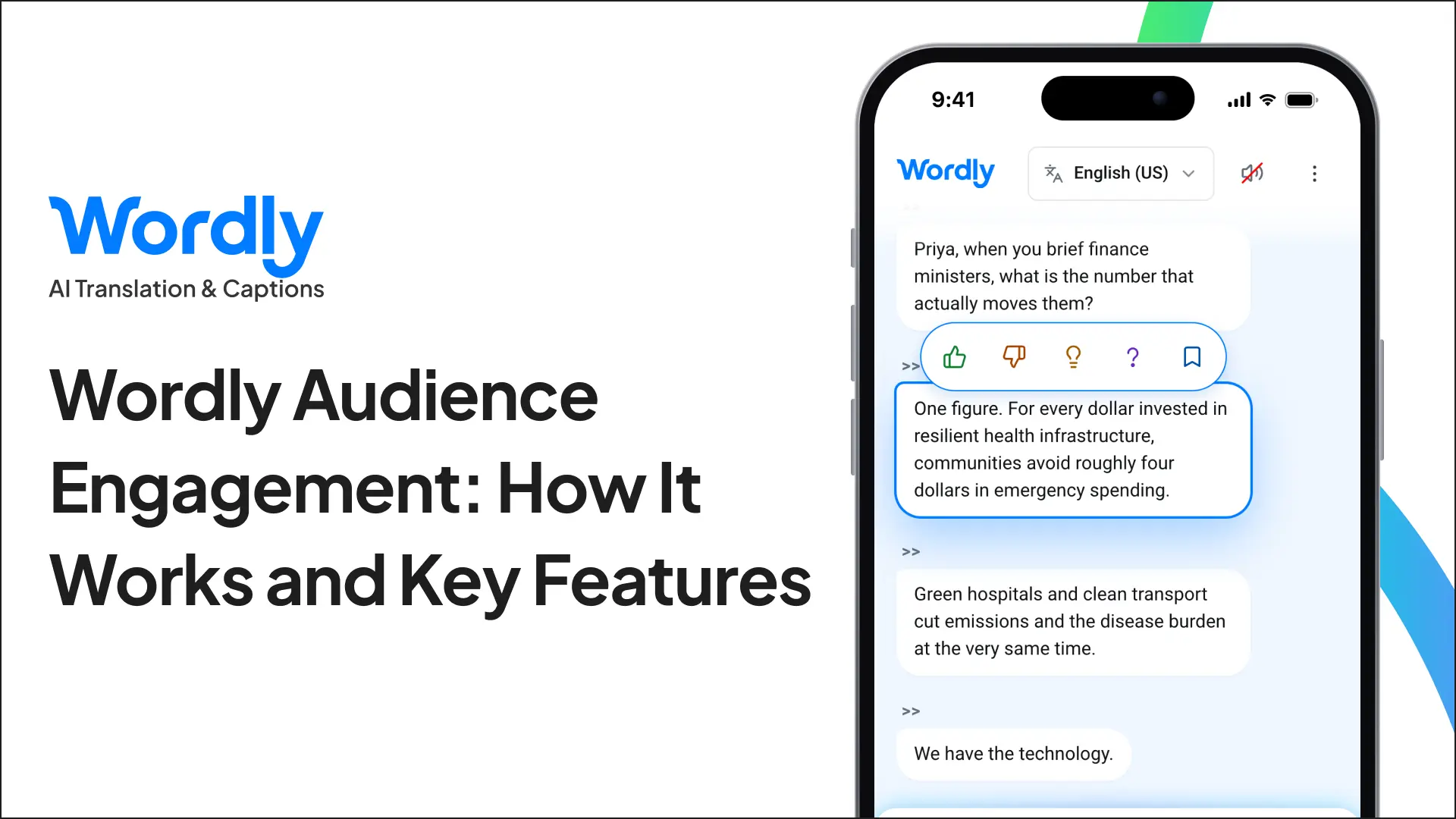
Wordly Audience Engagement is a set of interactive features built into the Wordly live translation and caption stream. Attendees react to individual sentences with emojis, highlight key moments, save personal notes, and export their takeaways in any language. Organizers see audience sentiment and the statements that resonated most at every session. Wordly launched Audience Engagement in October 2026, and it runs alongside existing Wordly features with no attendee logins or extra AV equipment.
What Is Wordly Audience Engagement?
Audience Engagement turns the Wordly live caption stream into a two-way experience. Attendees don’t just read along. They respond to what speakers say, mark the moments that matter to them, and leave with their own notes. Organizers get a clear picture of how each session landed and which ideas resonated most.
Audience Engagement lives inside the Wordly app, the same app attendees already use to follow live translation and captions in dozens of languages. Wordly has more than 6 million users worldwide and does not collect or share personal information. Event teams don’t need any additional AV setup or equipment.
What Problem Does Audience Engagement Solve?
Organizers invest heavily in content, speakers, translation, and captions, but most still learn how a session went from post-event surveys. Those surveys arrive days later, capture only part of the audience, and rarely point to specific moments in a presentation. By then, the chance to adjust has passed.
Audience Engagement captures feedback during the session itself, tied to the exact sentences attendees reacted to. Organizers stop guessing which content worked and start seeing it, session by session.
How Does Audience Engagement Work for Attendees?
Attendees open Wordly on their own mobile device and engage directly with the live caption feed as presenters speak. There are no accounts or logins to create.
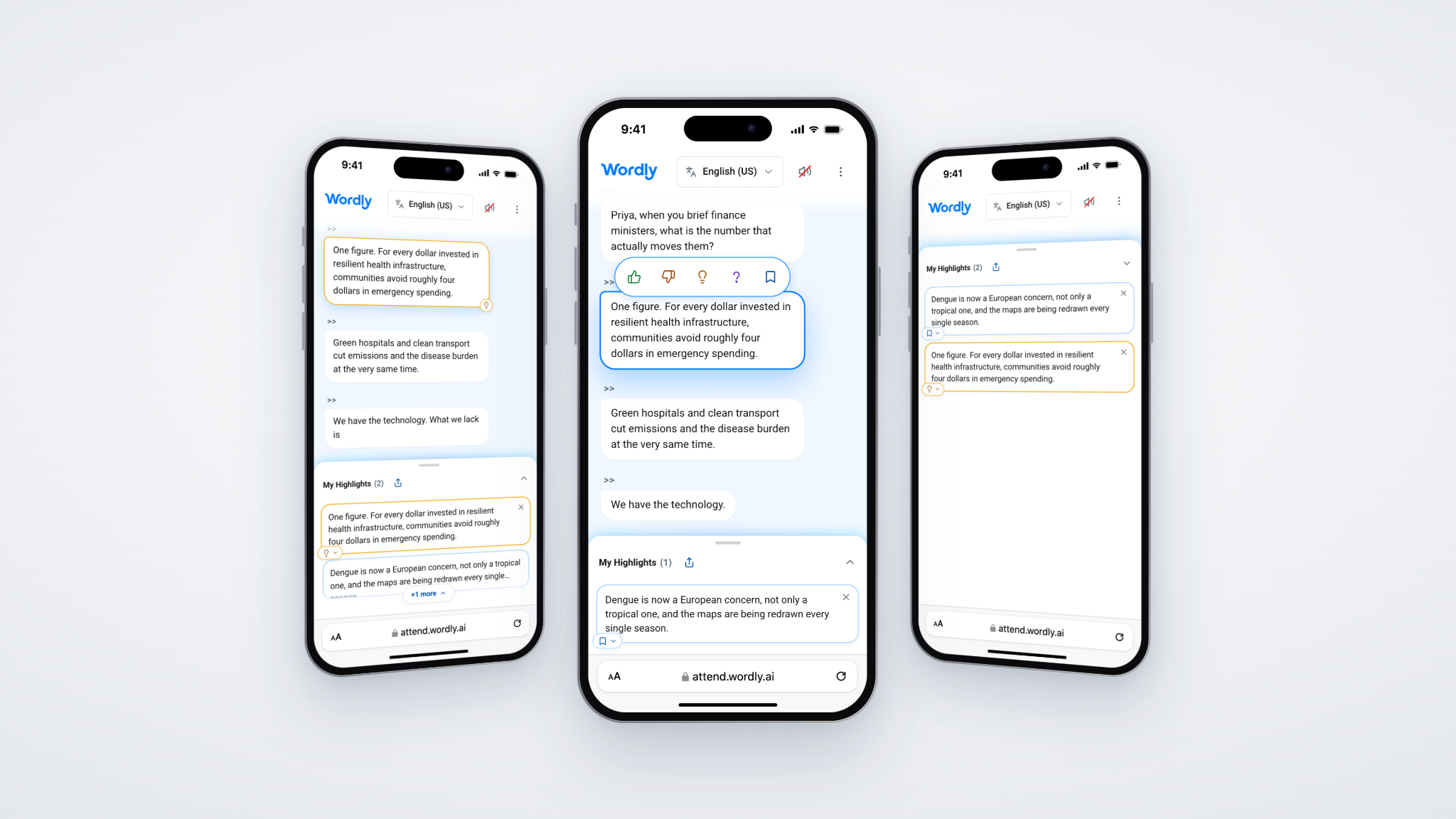
- React in real time - Attendees pin emoji reactions to specific sentences, so their feedback is tied to exactly what was said.
- Highlight and save key moments - Attendees mark important lines and add personal notes without switching to a separate app.
- Take highlights home - After the session, attendees export their takeaways, session notes, and post-event summaries in any language.
Every attendee has a reason to open Wordly, whether they need translation, want captions to read along, or simply want an easy way to take notes and share feedback.
What Do Organizers See in Audience Engagement?
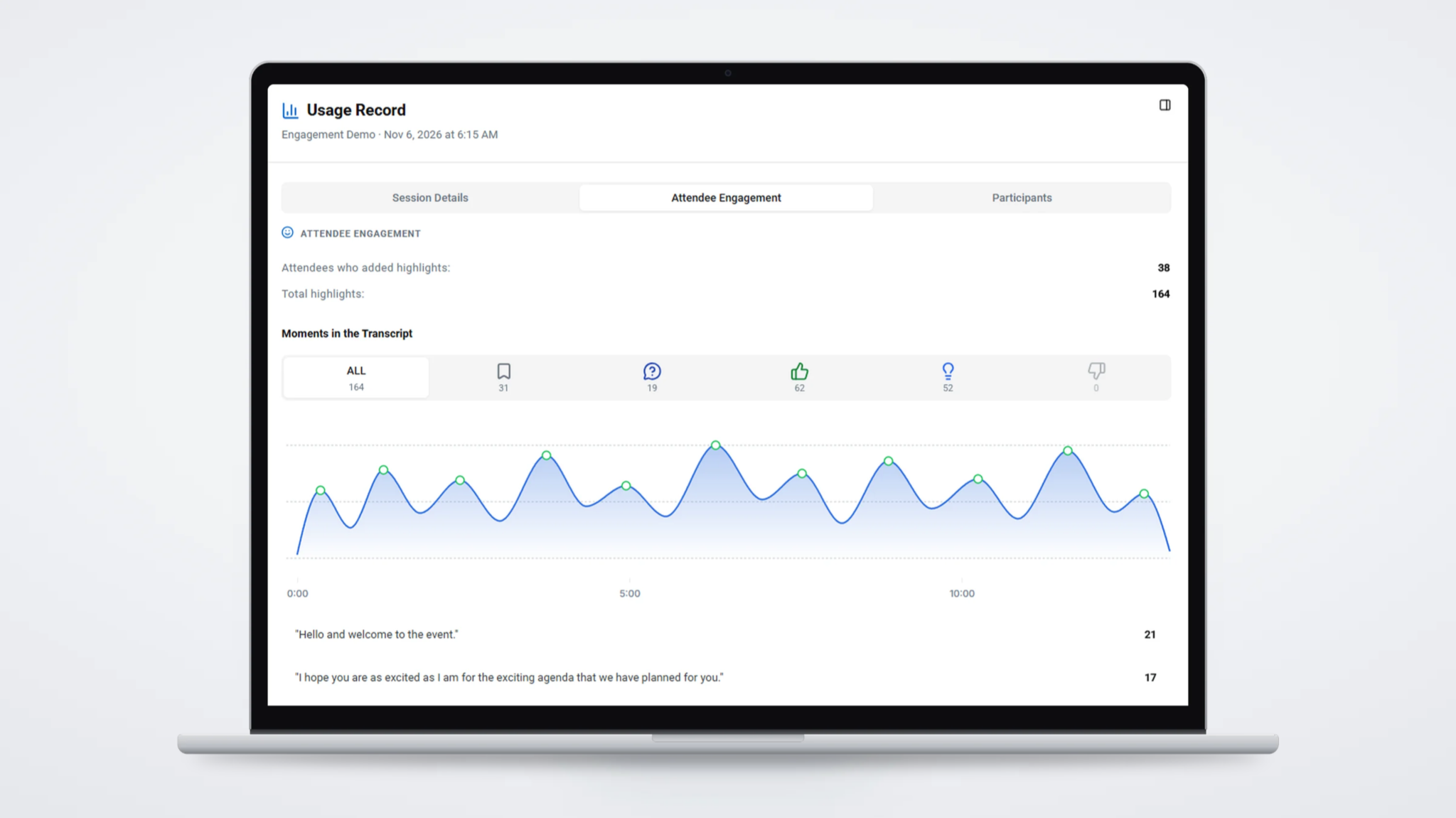
Every reaction and highlight becomes an engagement signal. Organizers review results in the Wordly Portal, the same secure hub where they set up sessions, create glossaries, generate access codes, and track account usage.
- Engagement signals - Every attendee interaction is recorded for analysis.
- Audience sentiment - Organizers measure engagement and sentiment across each session without interrupting the speaker.
- Content intelligence - Reactions are tied to individual sentences, so organizers see which statements, topics, and quotes resonated best.
With that data, teams can coach speakers on the ideas that sparked a response, compare sessions when planning future agendas, and share concrete results with stakeholders and sponsors. Top quotes also make strong material for event recaps and social content.
Where Does Audience Engagement Fit in the Wordly Platform?
Audience Engagement is part of Wordly’s support for the full event content lifecycle. Before the event, Wordly handles onboarding, glossaries, and session setup. During the event, attendees get live translation and captions, Silent Theater, and Audience Engagement. After the event, organizers get transcripts, AI Summaries, sentiment analysis, and more.
It also pairs well with Sponsor Logos, which lets events monetize translation and captions through partner branding. Engagement results give organizers more to share with sponsors after the event.
Audience Engagement Product Sheet
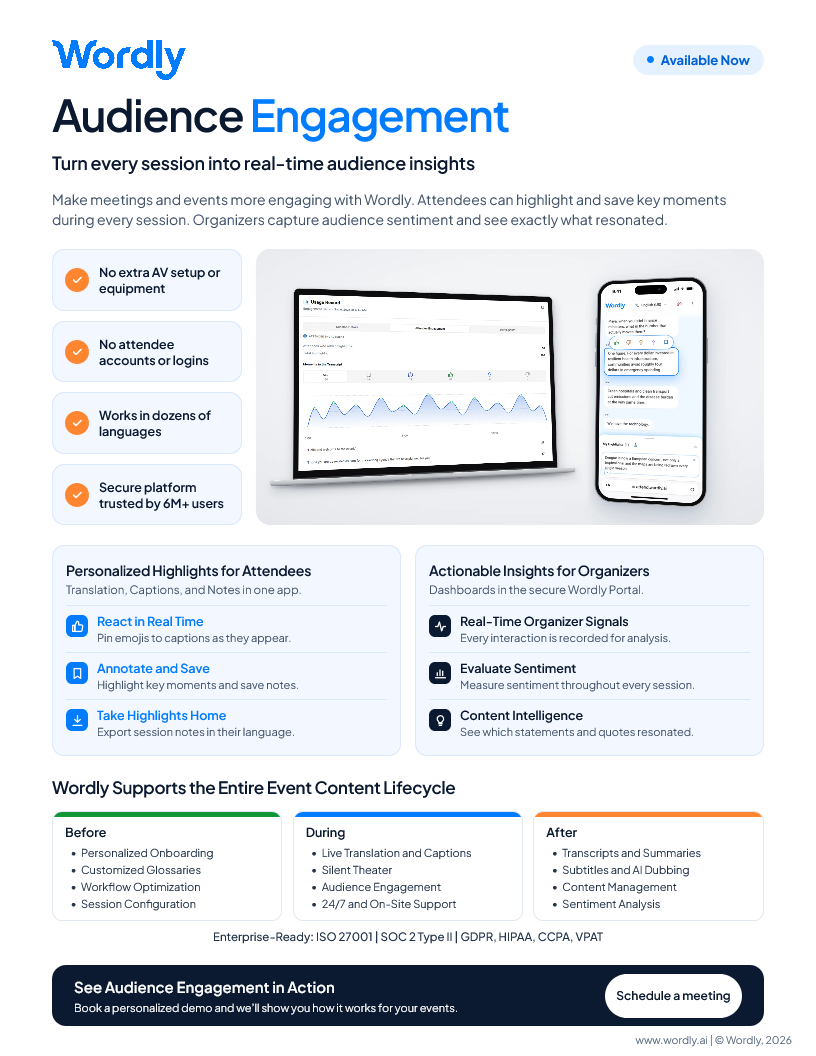
Learn how to make meetings and events more engaging with Wordly Audience Engagement. Attendees can highlight and save key moments during every session. Organizers capture audience sentiment and see exactly what resonated.
View InfographicFrequently Asked Questions About Audience Engagement
Do attendees need an account or special equipment to use Audience Engagement?
No. Attendees join on their own mobile devices through the Wordly app, with no accounts, logins, or special hardware. Organizers and AV teams don’t need any additional setup or equipment.
Does Audience Engagement interrupt the speaker?
No. Attendees react, highlight, and save notes on their own phones while the presenter speaks, so sessions run as planned. Organizers measure engagement and sentiment without pausing for polls or Q&A.
Can attendees use Audience Engagement in their own language?
Yes. Audience Engagement runs in the same stream that delivers Wordly live translation and captions in dozens of languages. Attendees react and highlight while following along in their preferred language, then export their takeaways in any language.
Does Audience Engagement collect personal information from attendees?
No. The Wordly app is free and does not collect or share personal information, and attendees don’t need accounts or logins. Wordly is also ISO 27001 certified and SOC 2 Type II compliant, with GDPR, HIPAA, and CCPA compliance.
Can organizers share engagement results with speakers and sponsors?
Yes. Reactions and highlights are tied to specific statements, so organizers can show speakers exactly which ideas resonated, compare sessions, and share concrete results with stakeholders and sponsors.
Getting Started with Audience Engagement
Audience Engagement is now available. Contact your Wordly representative to get started, or book a demo to see how reactions and highlights look on attendee phones and how results appear in the Wordly Portal.
You can also see the full feature details on the Audience Engagement page.


